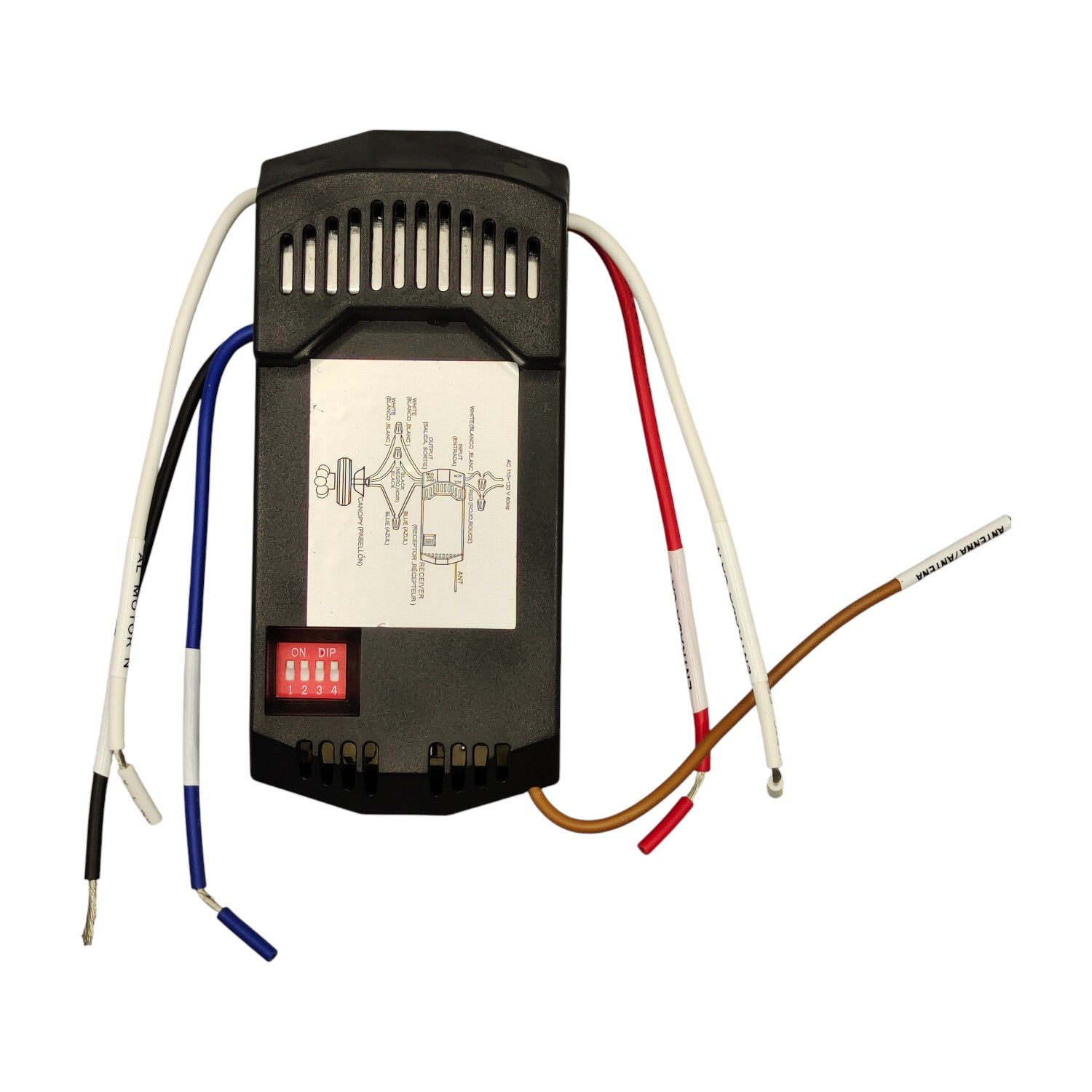
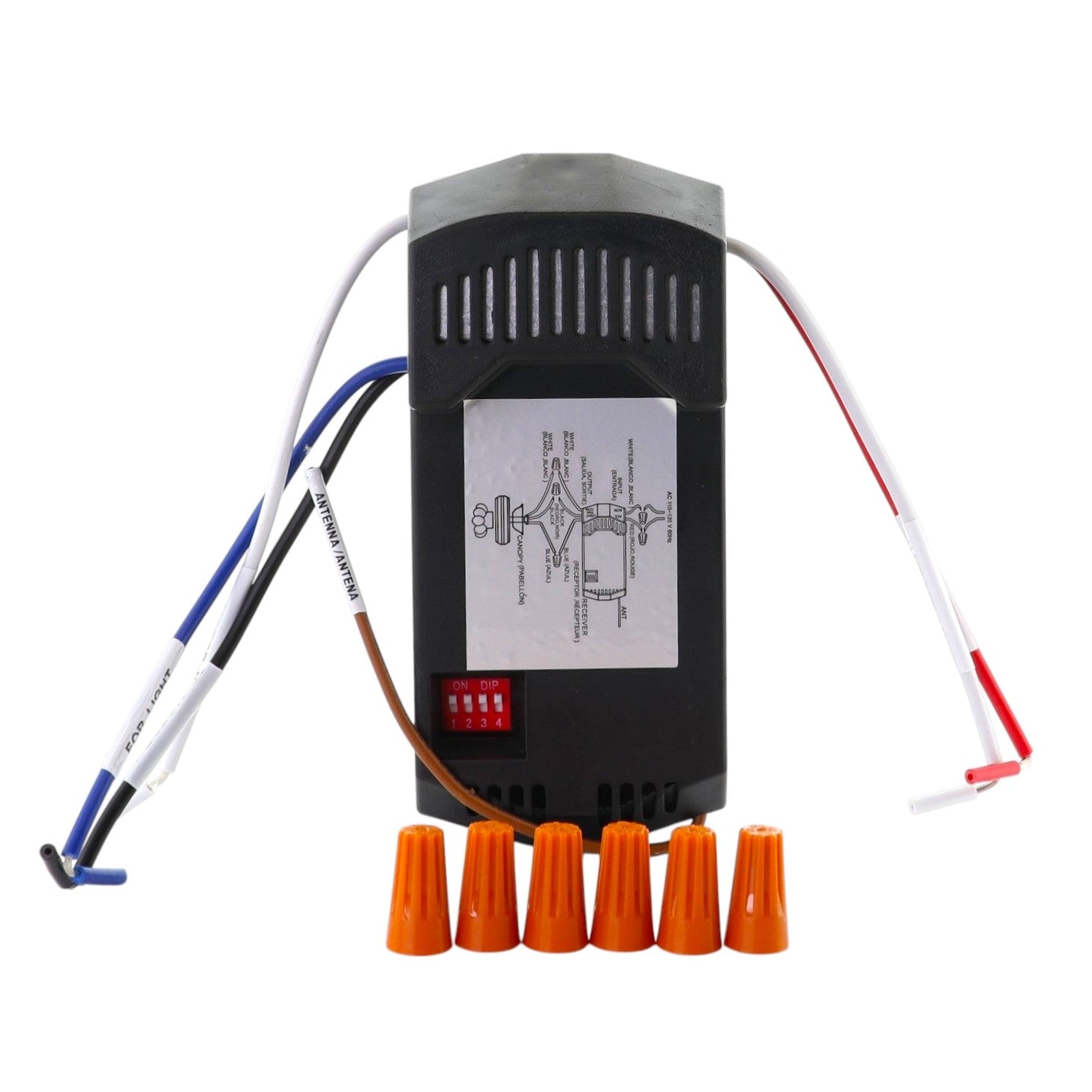
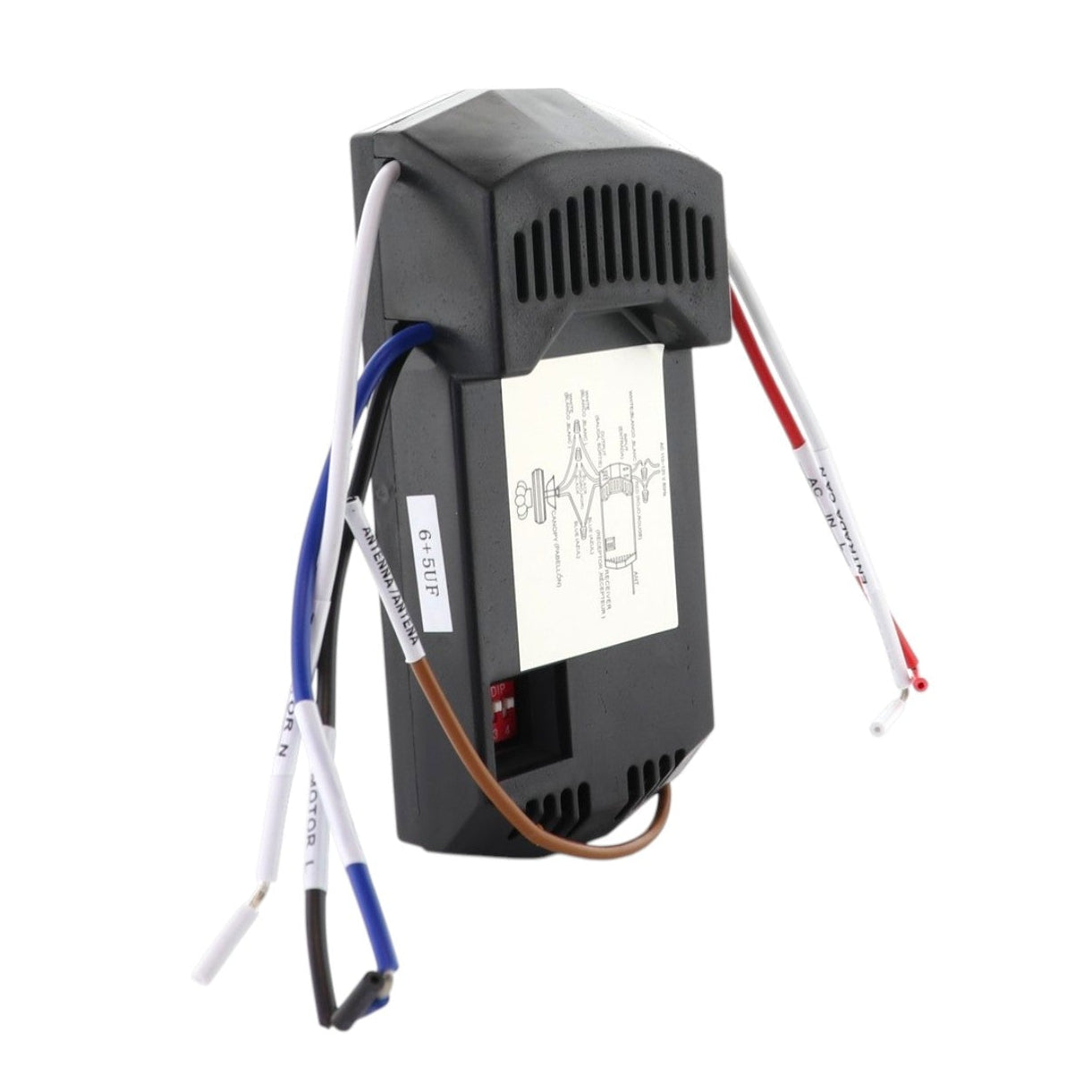
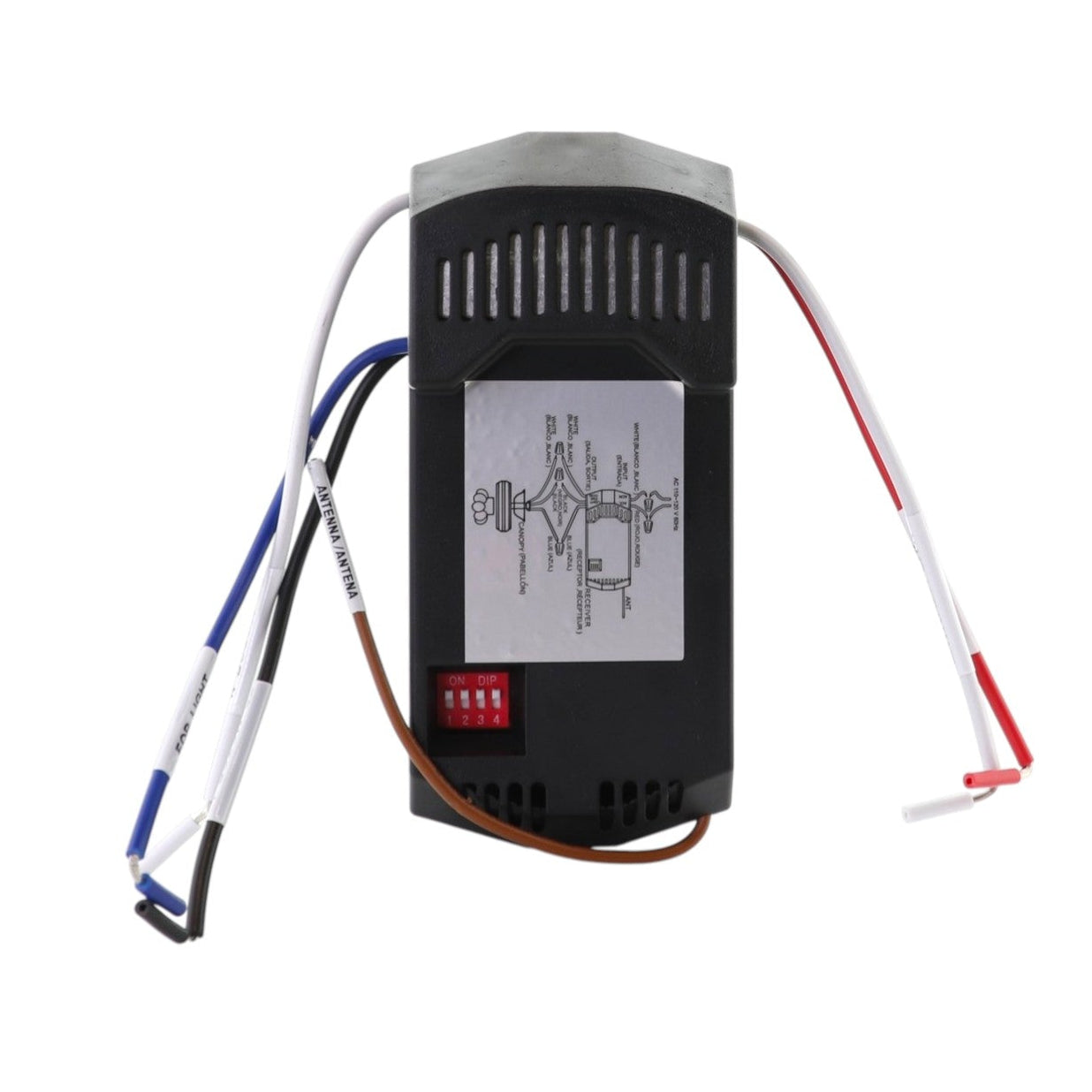
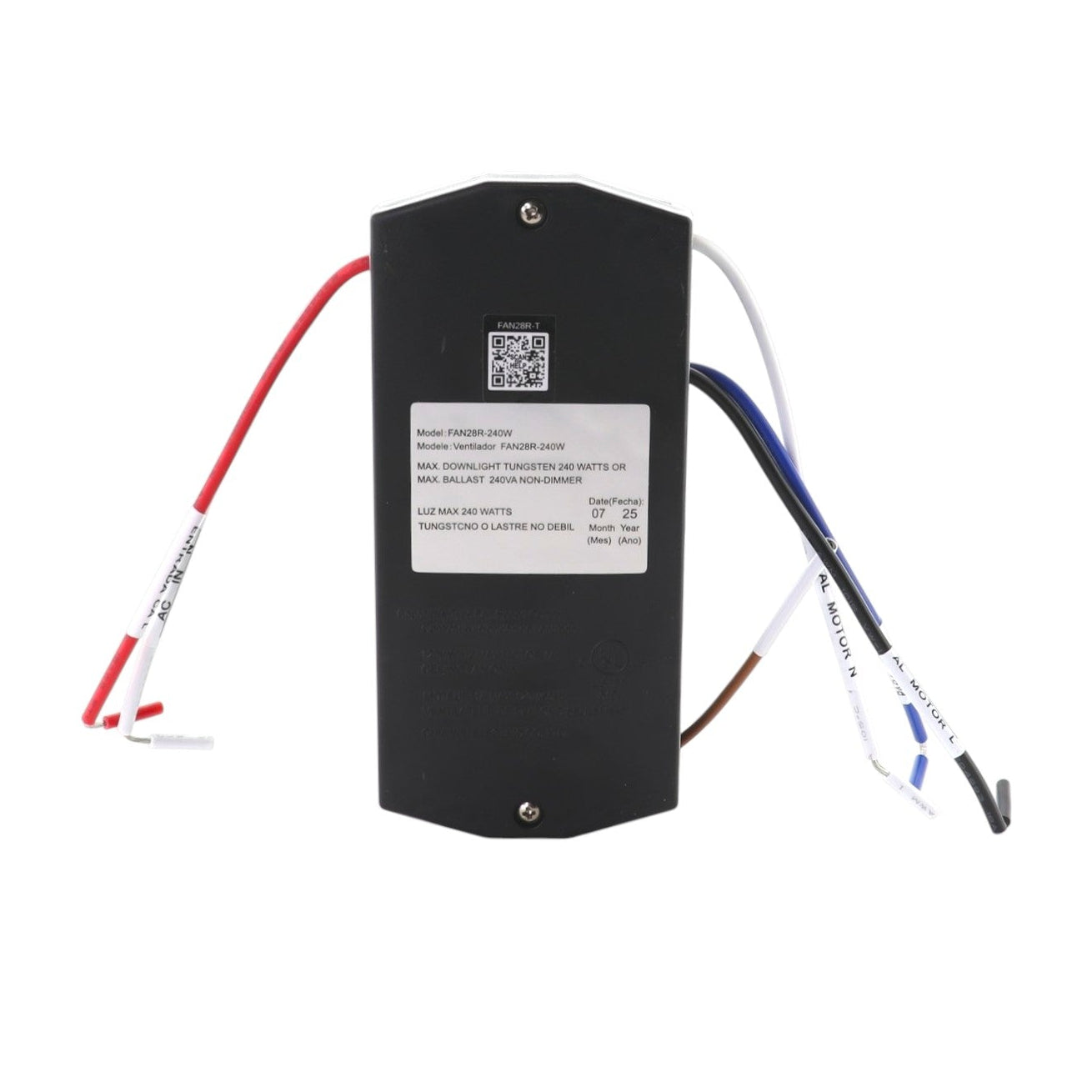
The Anderic FAN28R is a 3-speed AC ceiling fan receiver with light on/off and dimming. It replaces a FAN28R-style receiver and works with compatible 304 MHz dip-switch remotes. No remote is included.
Specifications
- Shipped receiver: Anderic FAN28R
- Wireless: Radio Frequency (used with a compatible remote, sold separately)
- Fan control: 3 speeds plus off; down light on/off and dimming
- Power: line-voltage ceiling fan receiver (no batteries)
Good to Know
- This listing is for the receiver only. A compatible remote is sold separately.
- Turn off power at the breaker or fuse box before installing. Household electrical power can cause serious injury or death. A qualified electrician is recommended.
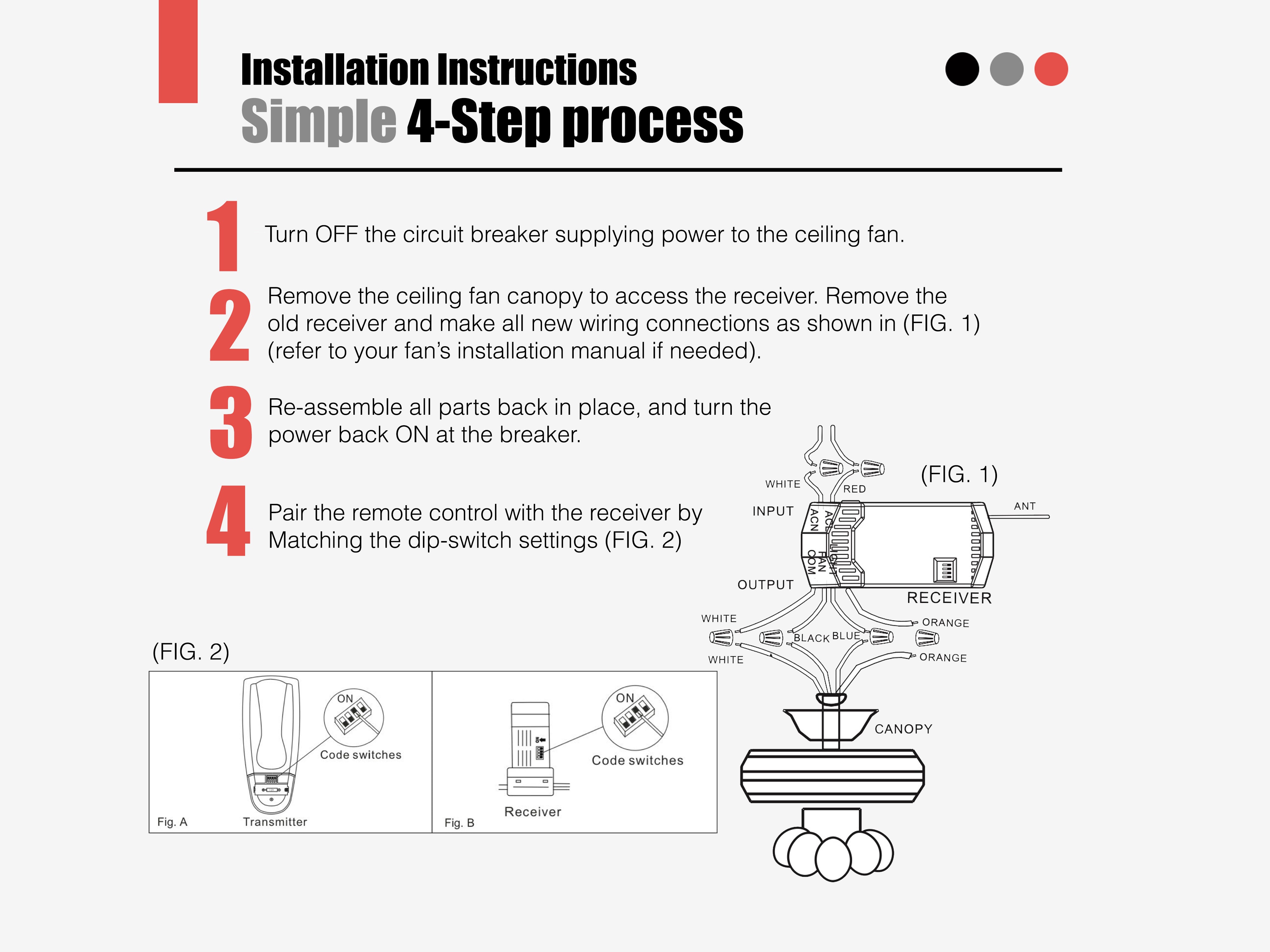
- Pairing is done by matching the dip switches on the receiver and the remote.
Setup / Pairing
Install the receiver (power must be off):
- Disconnect power to the fan at the fuse or circuit breaker.
- Remove the ceiling fan canopy and disconnect the existing wiring. If you are replacing a receiver, disconnect all of its wires.
- Place the receiver in the mounting bracket with the antenna laid on top of the receiver.
- Connect the wires with the included wire nuts: green fan wire to the bare supply ground; black receiver AC IN L to the black supply wire; white receiver AC IN N to the white supply wire; white receiver TO MOTOR N to the white fan wire; black receiver TO MOTOR L to the black fan wire; blue receiver FOR LIGHT to the blue light wire.
- Push the wires into the junction box, reinstall the canopy, and restore power.
- Set the dip switches on the receiver to the same pattern as the compatible remote, then test the remote.
What's in the Box
- 1 Anderic FAN28R ceiling fan receiver
- No remote is included
Compatible Models
- Anderic FAN28R
- Compatible remotes include Anderic RR7079T (FAN-HD), RR7078TR (requires a reversing module already on the fan), RR7083T, RR7083TR (requires a reversing module already on the fan), FAN51T, FAN51TB, RR7216T, FAN53TW, RR7070T, FAN35T, Harbor Breeze KUJCE9103, and UC9051T wired wall controls.
Before ordering, compare the photos and the model or part number on your current remote or device. If you are not sure, contact us with your model or a photo of the original.