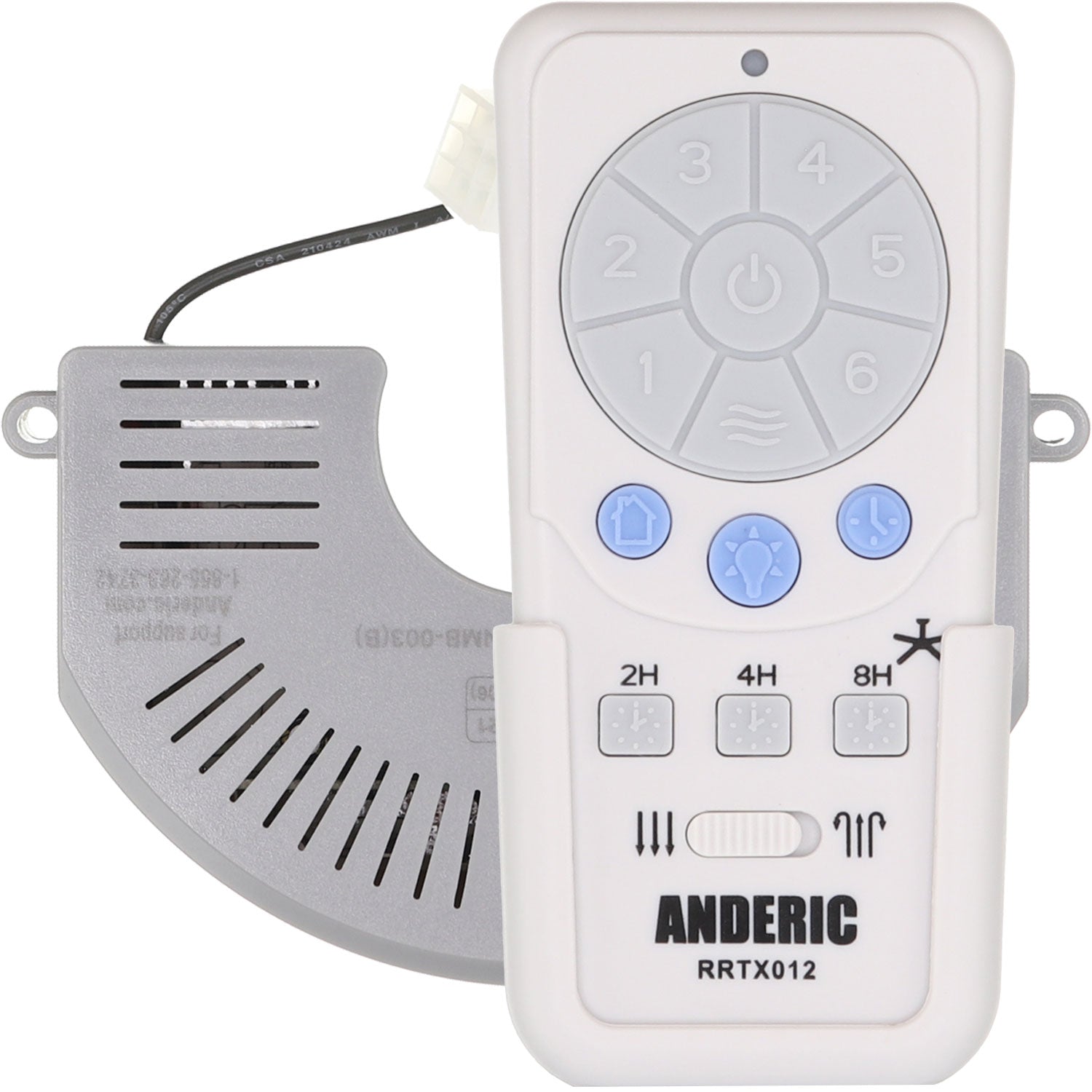
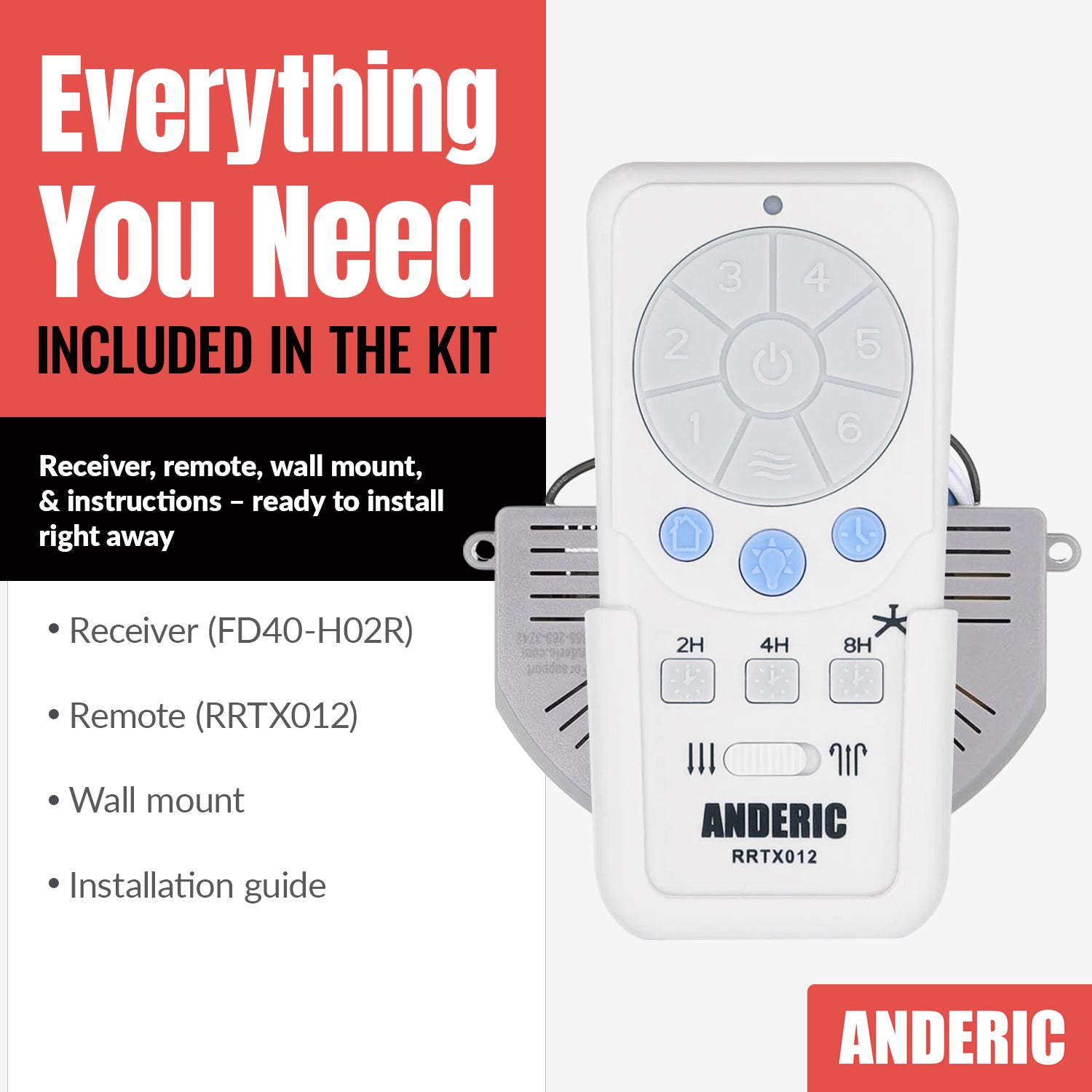
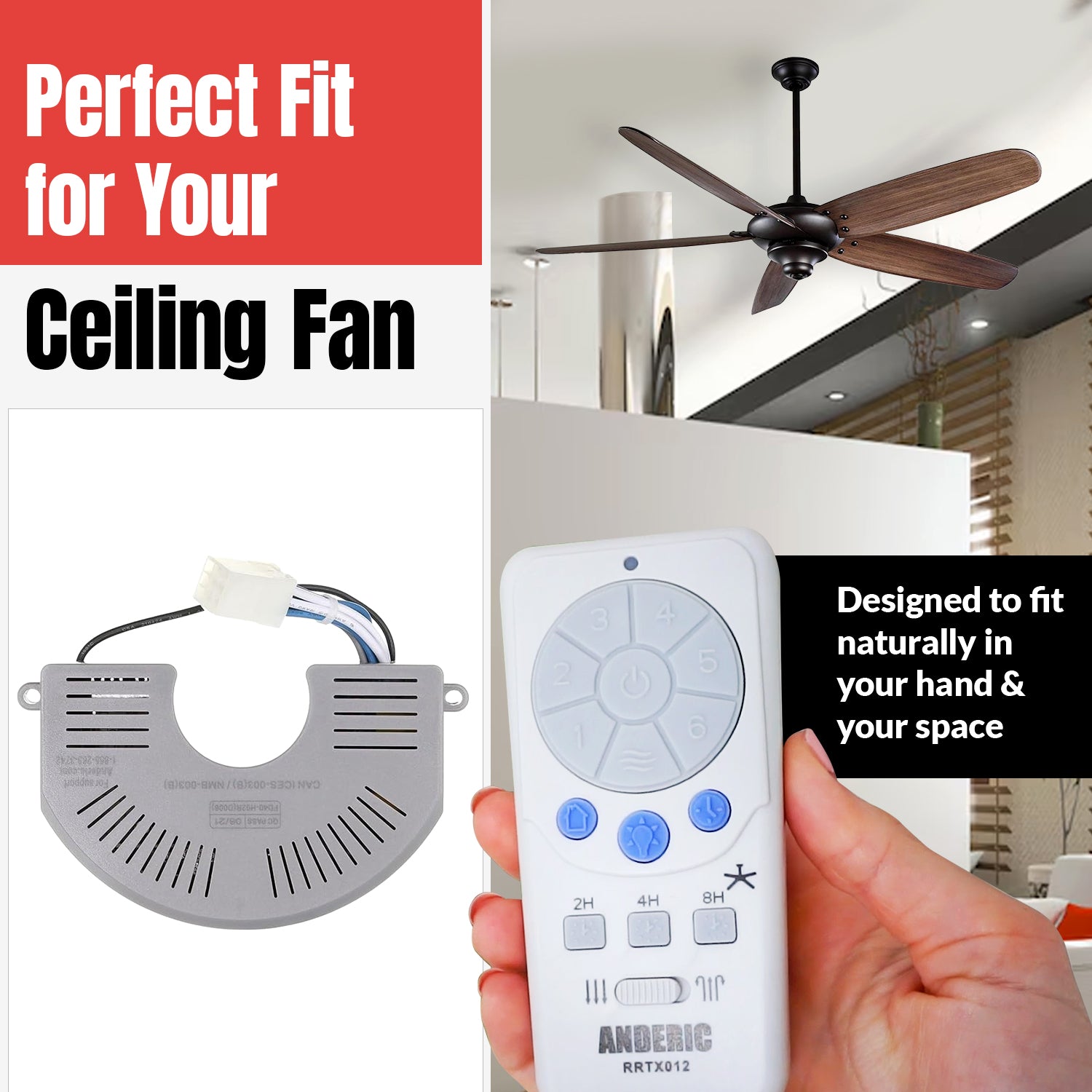
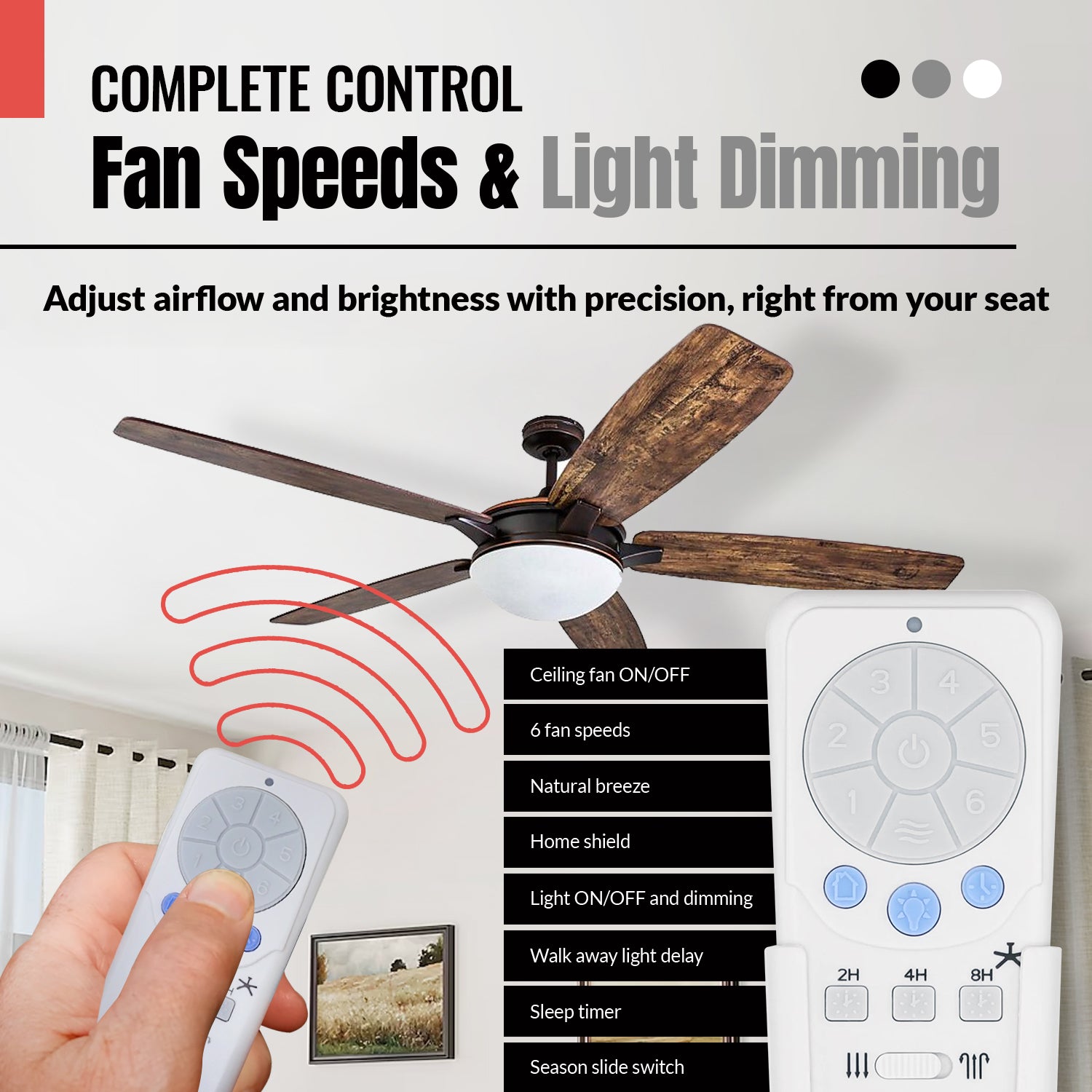
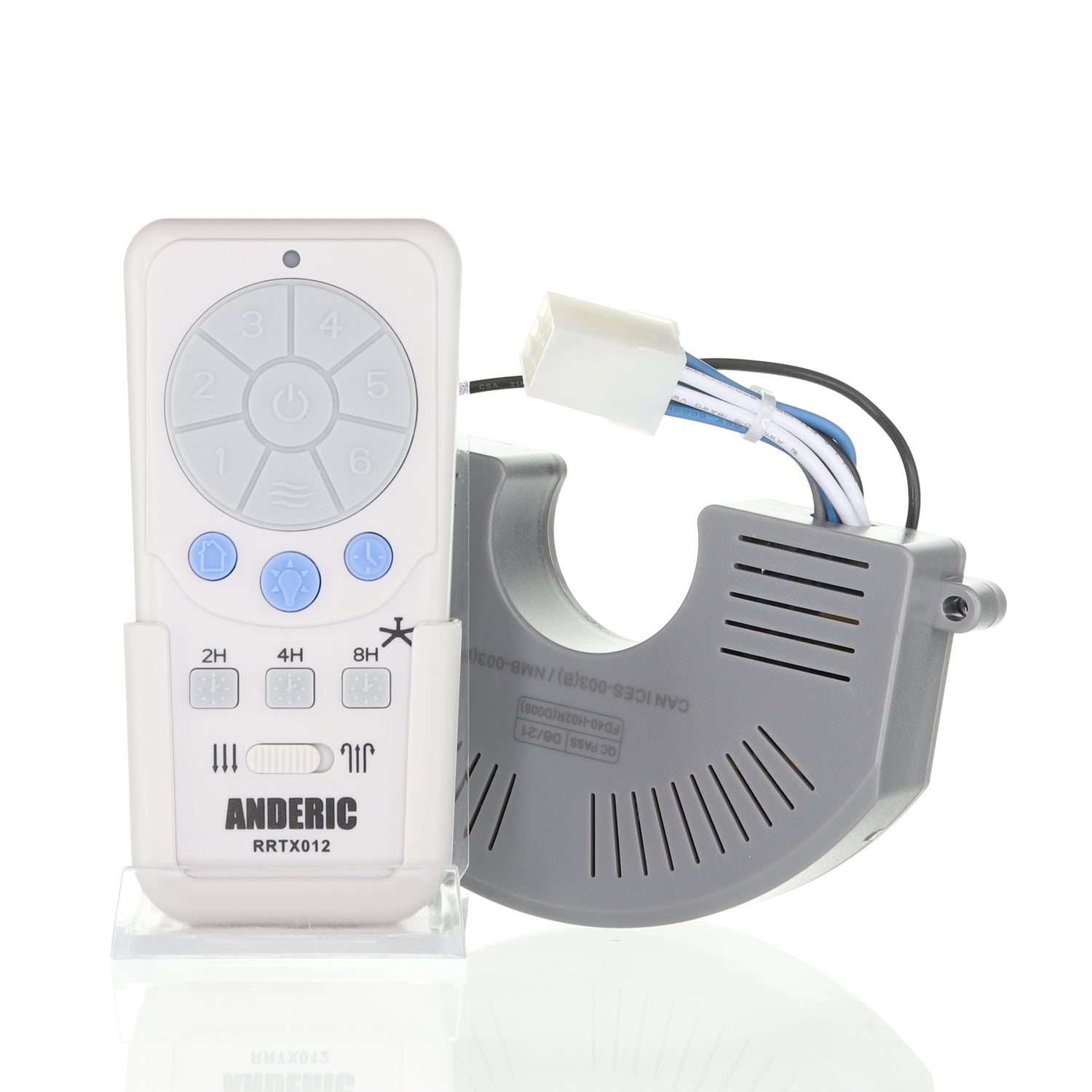
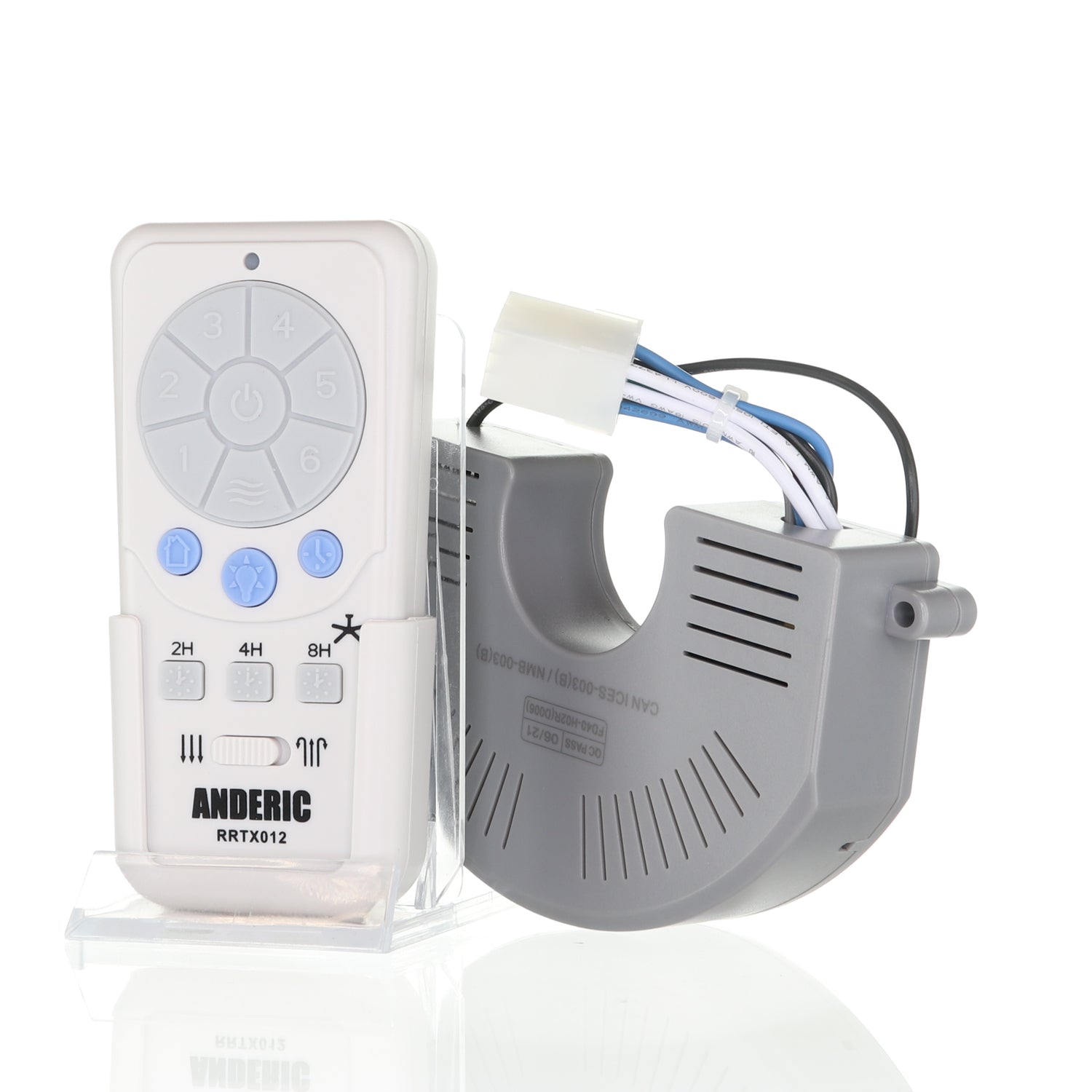
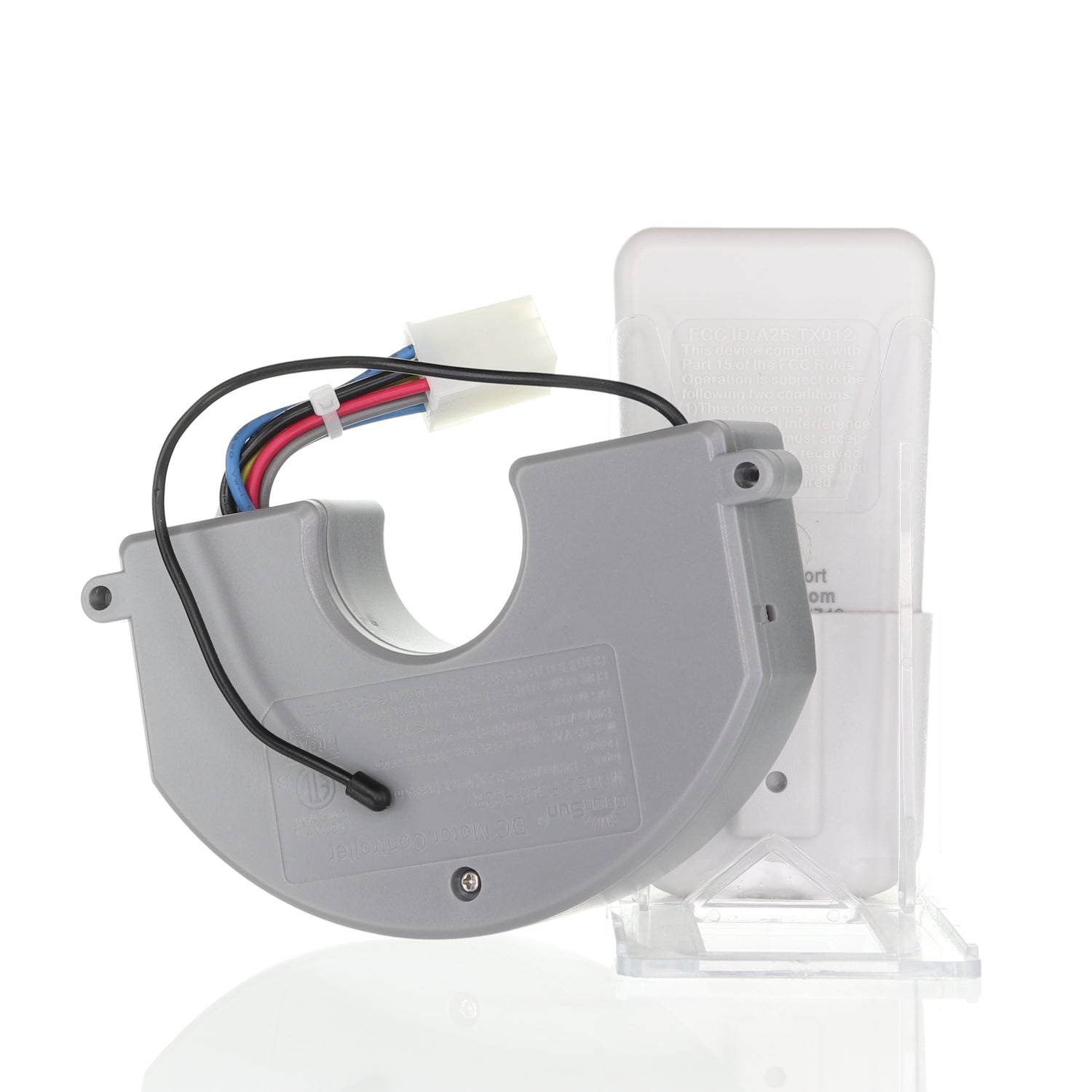
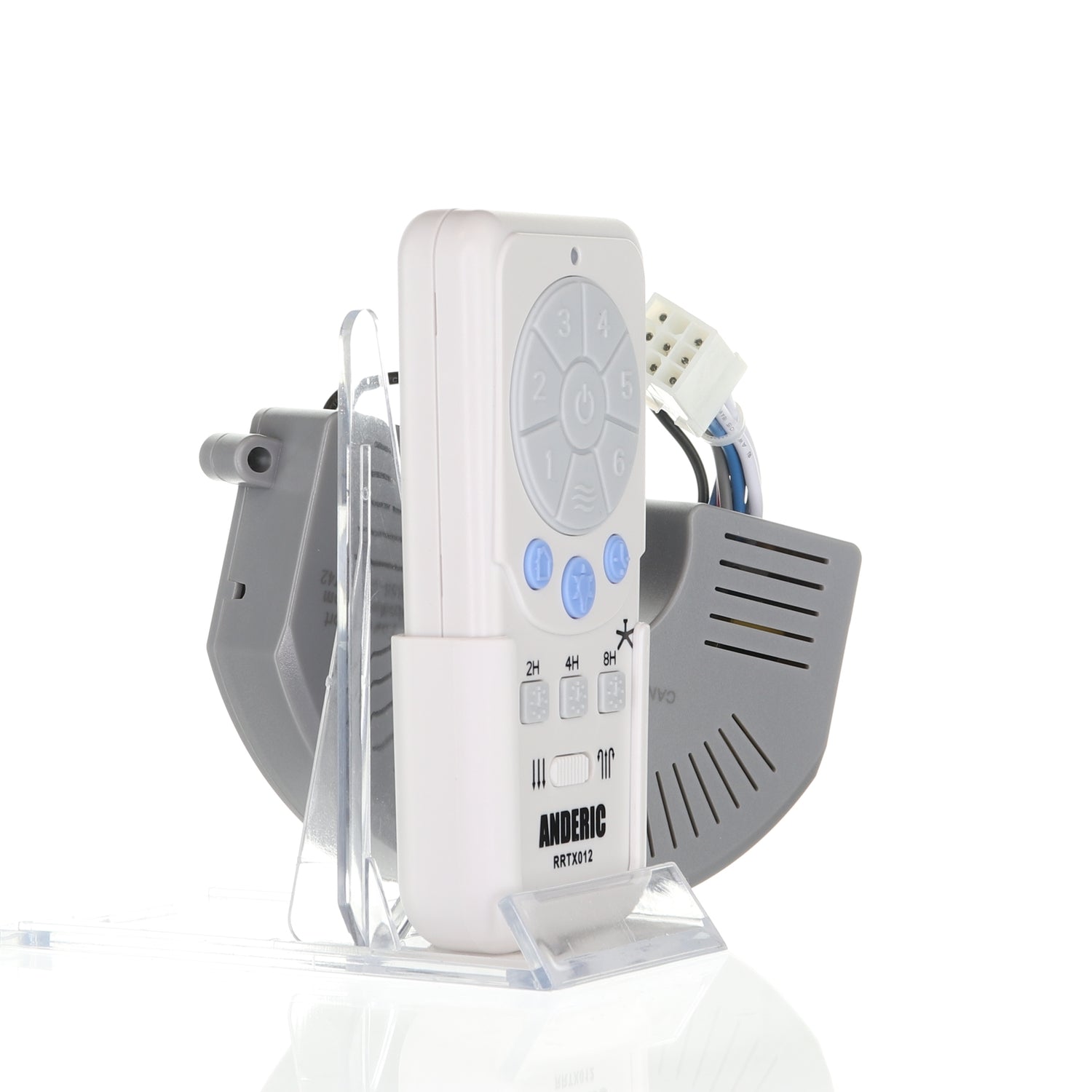
The Anderic RRTX012 / FD40-H02R kit is a replacement remote and downlight-only DC receiver for select Harbor Breeze fans, including Mazon, Kingsbury, Wakefield, Portes and Saratoga.
Specifications
- Kit: Anderic RRTX012/FD40-H02R
- Radio frequency (RF)
- Battery: 1 A23 (not included)
Good to Know
- Downlight only: the receiver has no uplight output.
- You need to take the fan down to reach the receiver.
Setup / Pairing
Installing the receiver
- Before you begin, turn OFF the power to the fan using the light switch or the circuit breaker. You will need to take down the entire fan to reach the receiver.
- Disassemble the fan; see the fan's old installation manual.
- Remove the screws on top of the motor with the appropriate Phillips screwdriver or Allen wrench.
- Lift the motor housing to reach the receiver.
- Remove the two screws holding the receiver to the motor assembly.
- Unplug the wire harness and remove the receiver.
- Connect the new receiver's wire harness. For an up-and-down light receiver (FD40-H03R only), also connect the uplight wires (red and white) to the matching fan wires. The FD40-H03R also works on downlight-only fans; leave the uplight wires unconnected.
- Attach the new receiver to the motor assembly with the 2 screws.
- Push all wires together and replace the motor housing, lining up the screw holes, then screw the housing back on.
- Reassemble the fan on the ceiling, restore power and pair the remote (below).
Installing the battery
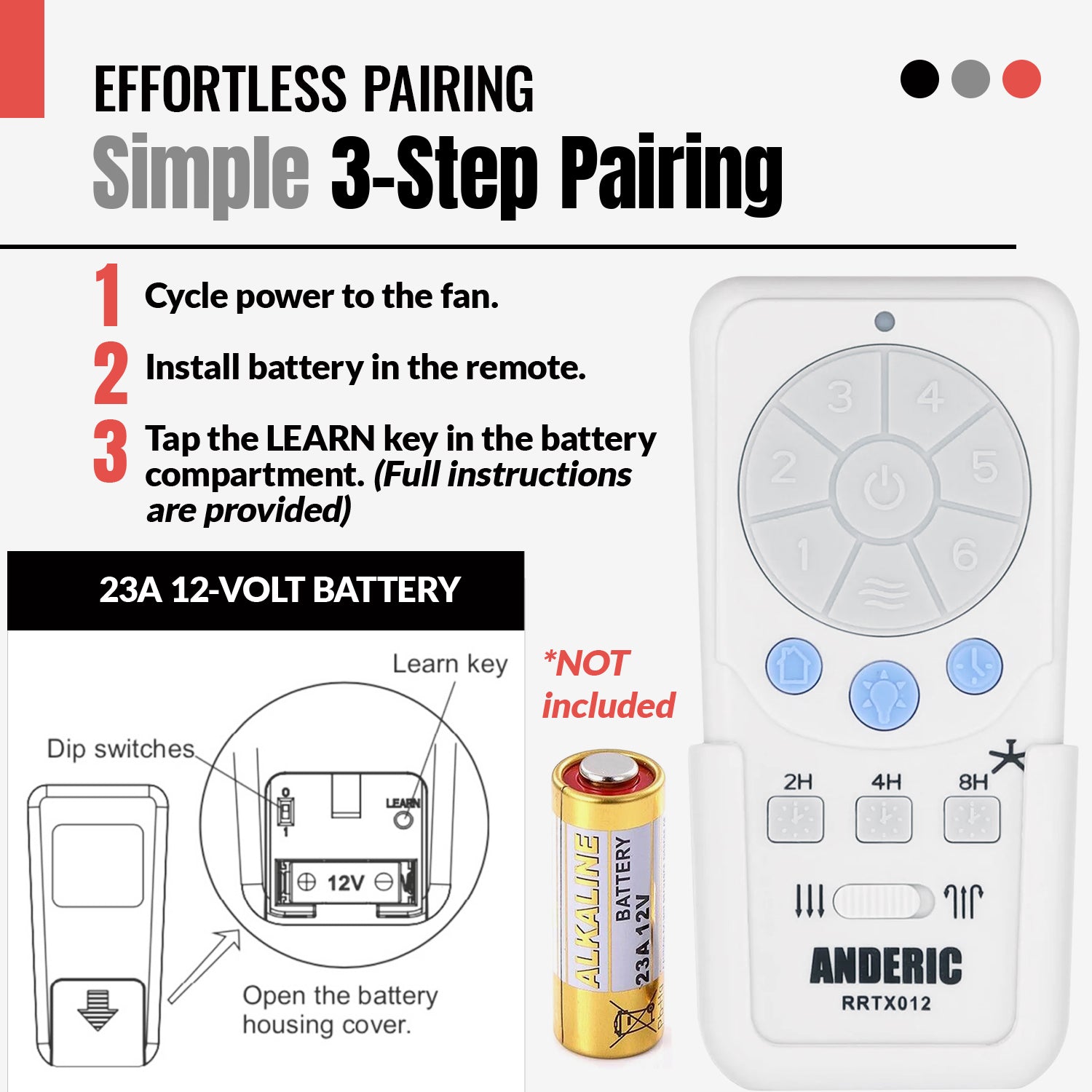
- Remove the battery cover from the back of the remote by pressing in and sliding it down toward the bottom.
- Insert an A23 12V battery (not included), matching the polarity diagram in the battery compartment.
- Replace the cover.
Pairing the remote (2 steps)
- Cycle the power to the fan using the circuit breaker or a light switch.
- Within 30 seconds of restoring power, tap the LEARN key inside the battery compartment. If learning is successful, the fan light blinks three times and turns on.
Dip switch
The binary dip switch in the battery compartment is set to "0" to match the receiver in the fan. If more than one fan uses the same remote control, you may need to change the dip switch setting: slide the switch down to "1", turn off the fan's power, then turn it back on and pair again.
Safety: turn off power at the circuit breaker before opening the fan canopy or touching the receiver.
Troubleshooting
- Fan or light does not turn on: check power at the breaker and wall switch, the light kit wiring and the bulb.
- Fan speeds do not work correctly: make sure the receiver suits the fan, the remote has fresh batteries and matches the receiver, and the wiring is secure.
- Light does not dim: not all LED bulbs dim; use dimmable incandescent or dimmable LED bulbs.
- Intermittent operation: turn the power off and recheck all wiring connections and wire nuts.
What's in the Box
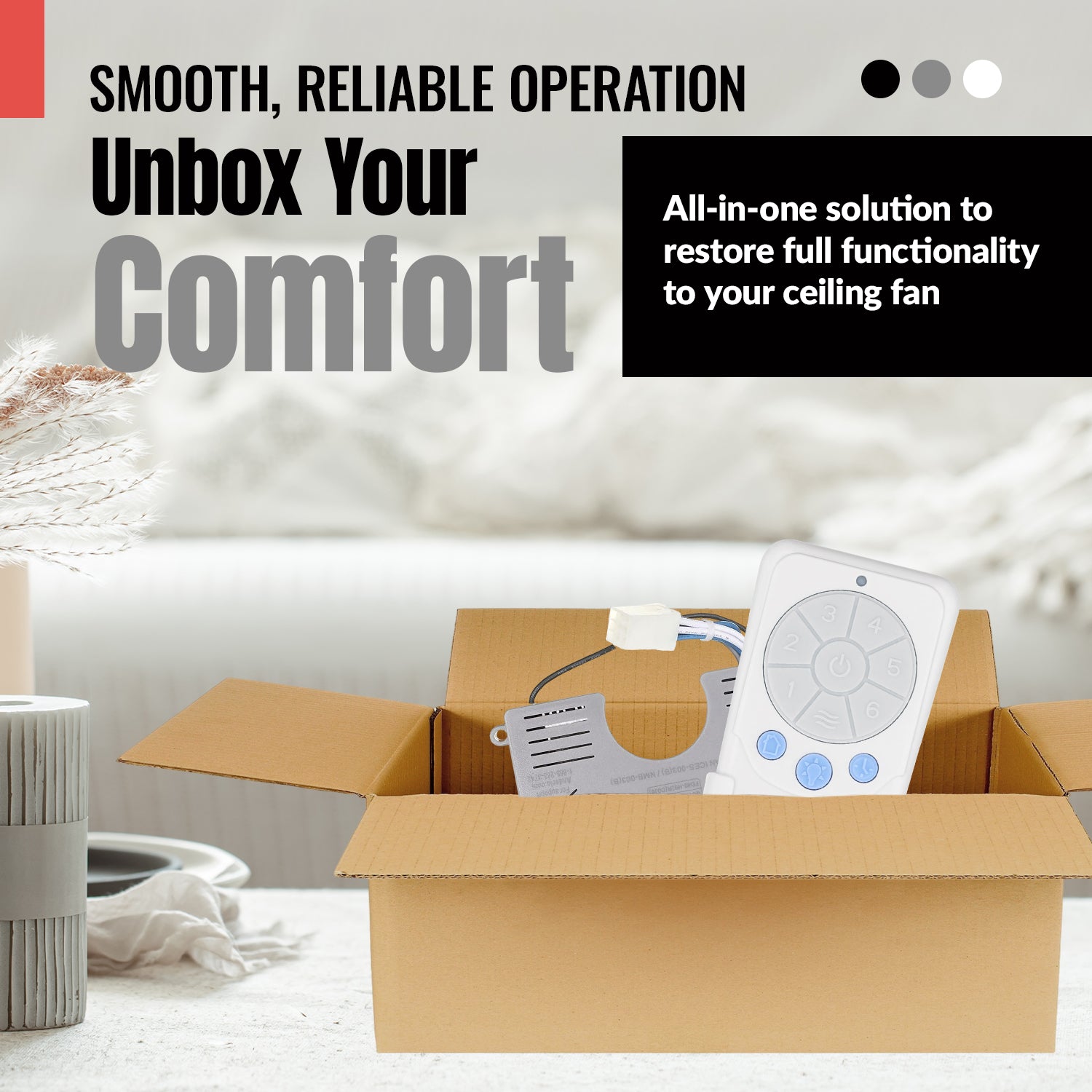
- 1 remote and 1 receiver
- Wall mount bracket
- Battery not included
Compatible Models
- select Harbor Breeze DC ceiling fans (Mazon, Kingsbury, Wakefield, Portes, Saratoga) that use an A25-TX012 remote
Before ordering, check the model or part number printed on your old remote (usually on the back or inside the battery compartment) and compare it to this list.