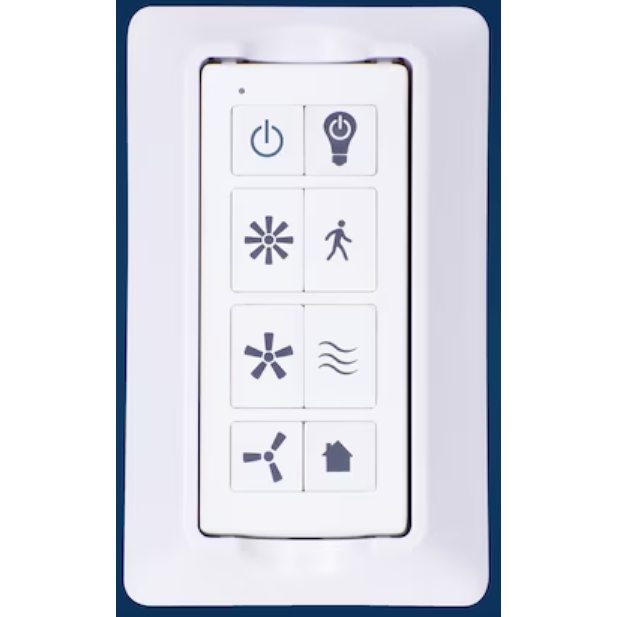
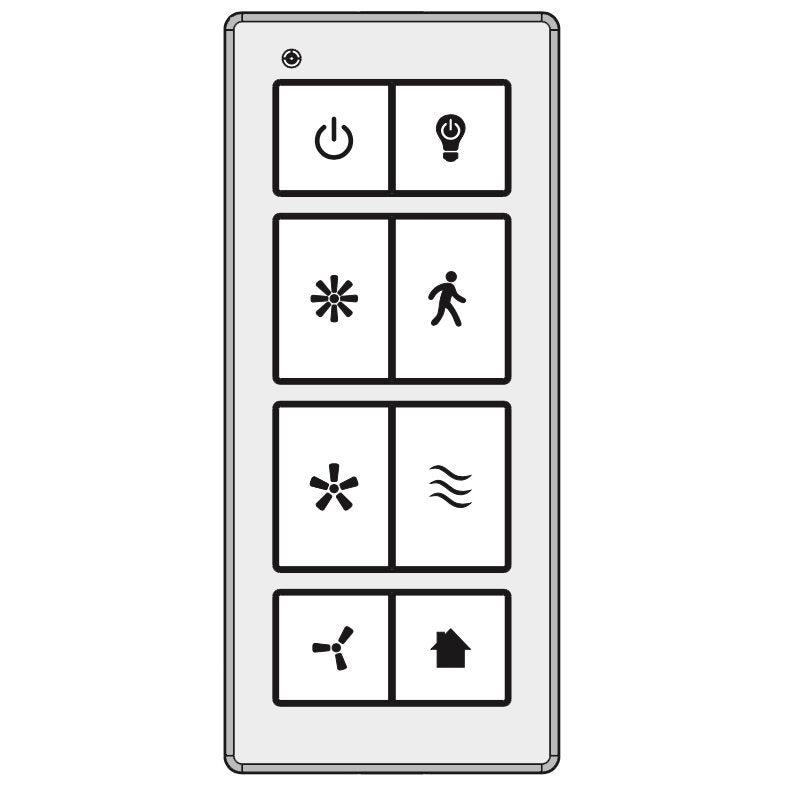
Harbor Breeze FA0158 Ceiling Fan Remote Control

Save 19%

Key Features

  • The remote that came with Harbor Breeze Crestwell 52 in. ceiling fans (42476, 42479).
  • Install 2 CR2032 batteries (not included). Cycle fan power, then within 30 seconds hold HIGH+LOW or LEARN for 5 seconds; the fan runs LOW and the light turns off.
  • Radio-frequency (RF) remote on 315 MHz, so it does not need to be aimed at the fan.
  • Light dimming, walk-away delay, variable breeze and Home Shield, plus fan speed control.
  • Takes 2 CR2032 batteries, not included.

Call 1-855-573-6683 to pre-order. ⓘ

Note: We only accept pre-orders over the phone. Additionally, click the "email me when back in stock!" button below to be notified when the product comes back in stock.


Description

Specifications

Compatible Substitutes and Related Products

R
Richard

How to reverse directions on this phone?

Anderic

Thank you for your question! The FA0158 remote itself does not have a
reverse button — its buttons cover fan on/off, High/Medium/Low speeds,
light on/off/dimming, Walk Away Delay, Nature Breeze, and Home Shield.
To reverse the fan direction, use the reverse slide switch on the fan
itself, located on the switch housing/motor housing: turn the fan off
and let the blades come to a complete stop first, then flip the switch
to the other position (downward airflow for warmer weather, upward
airflow for cooler weather) and turn the fan back on. Note: the switch
must be fully in one position or the other for the fan to run. If your
fan has no reverse switch on the housing, that model does not support
reversing.

Recently viewed