Product help/documentation (if applicable): User Guide
Features:
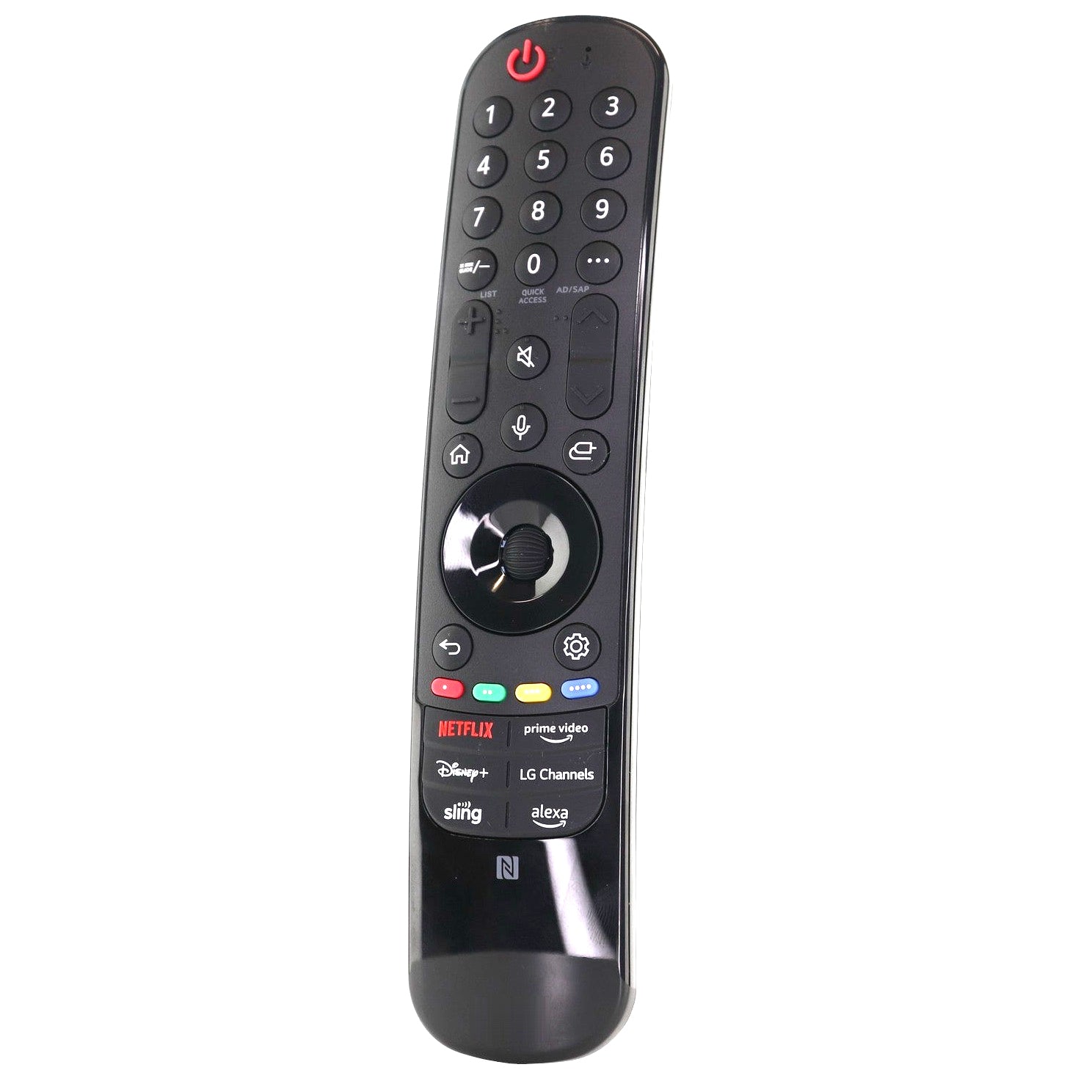
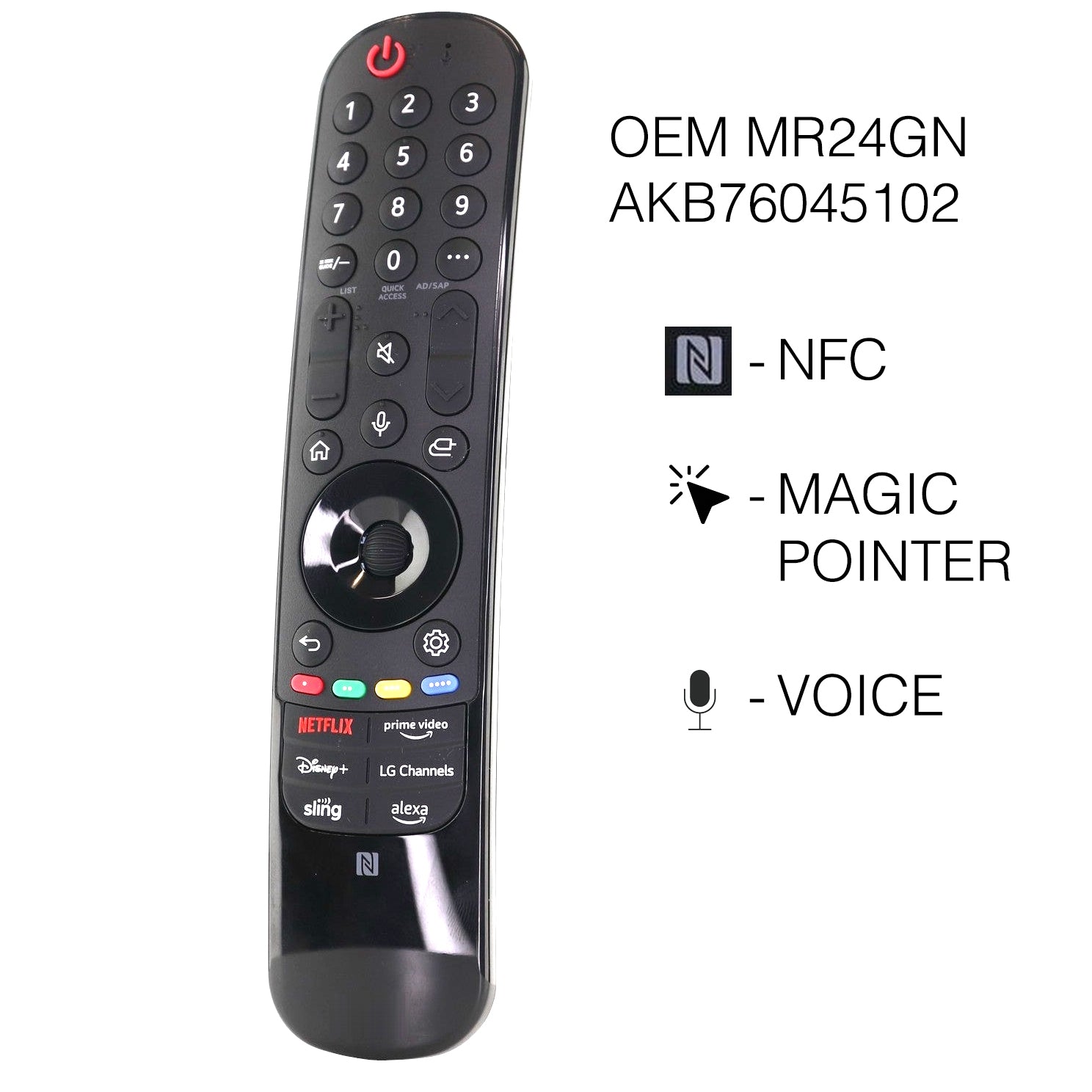
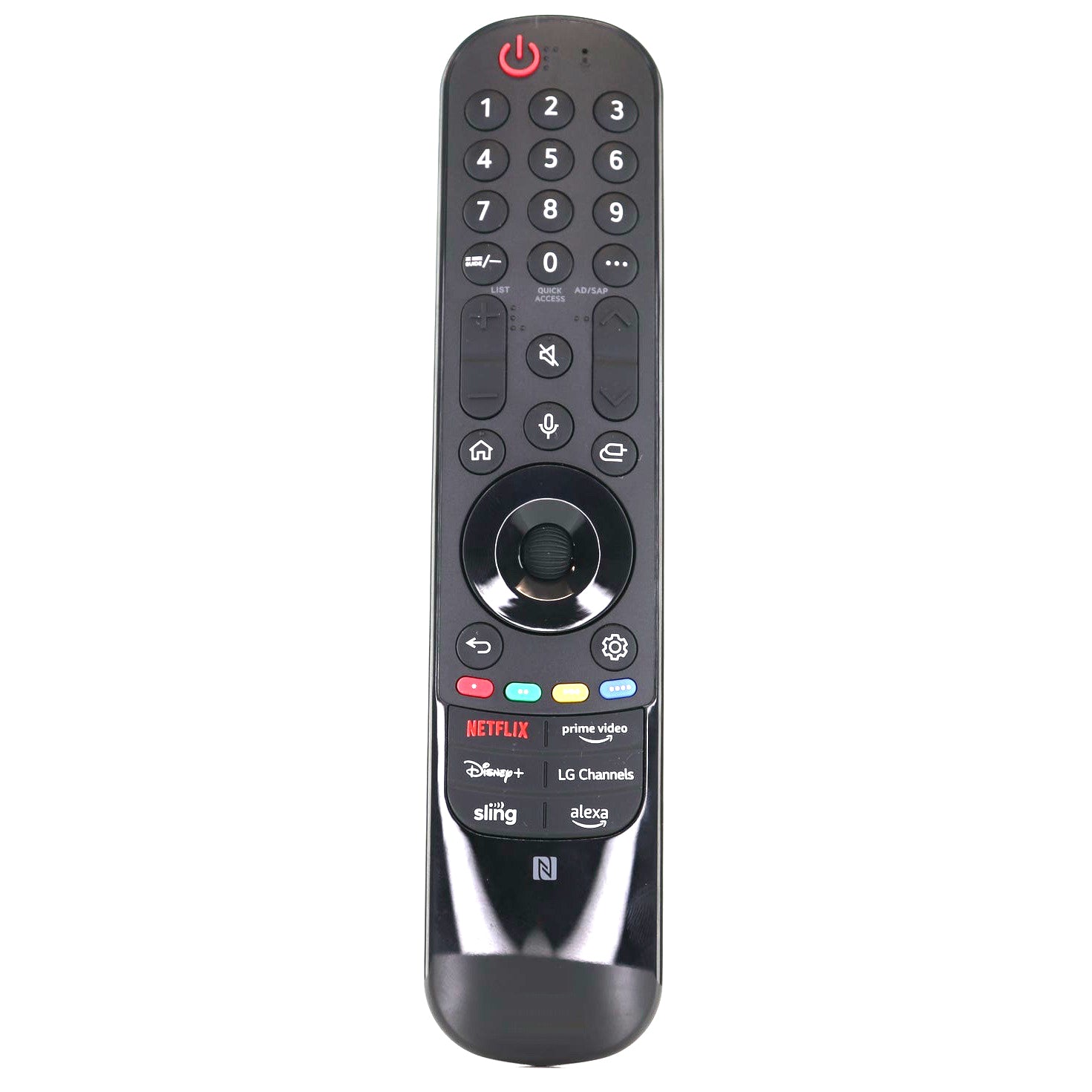
- The remote that came with LG TVs, including 43UT8000AUA, 50UT8000AUA and 55UT8000AUA.
- Insert 2 AA batteries, turn on the TV and wait about 20 seconds, then point the remote at the TV and press the Wheel (OK) button. The TV shows a message when the remote is registered, and if it does not, turn the TV off and on and repeat.
- An on-screen motion pointer and scroll wheel, plus NFC.
- Voice control (press and hold the voice button and speak). The title names 2024 models; check your model year before ordering.
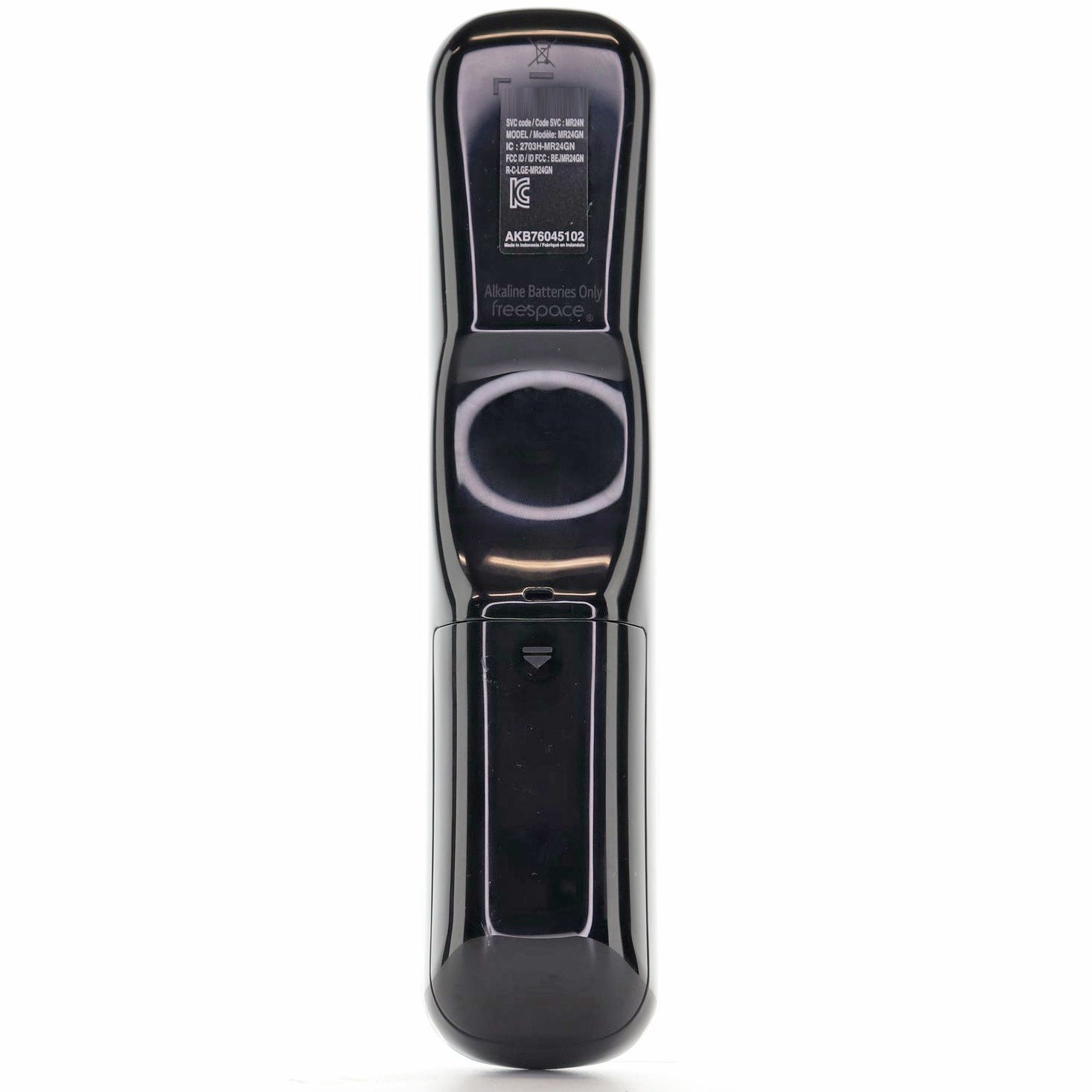
- Takes 2 AA batteries, not included.
Part/Model Number: AKB76045102 / AKB76045102
Power Information: 2 AA Required, Not Included
Supplied with models (if applicable): 43UT8000AUA, 50UT8000AUA, 55UT8000AUA, 65QNED85TAA, 65UT8000AUA, 70UT8000AUA, 75QNED85TAA