


Description
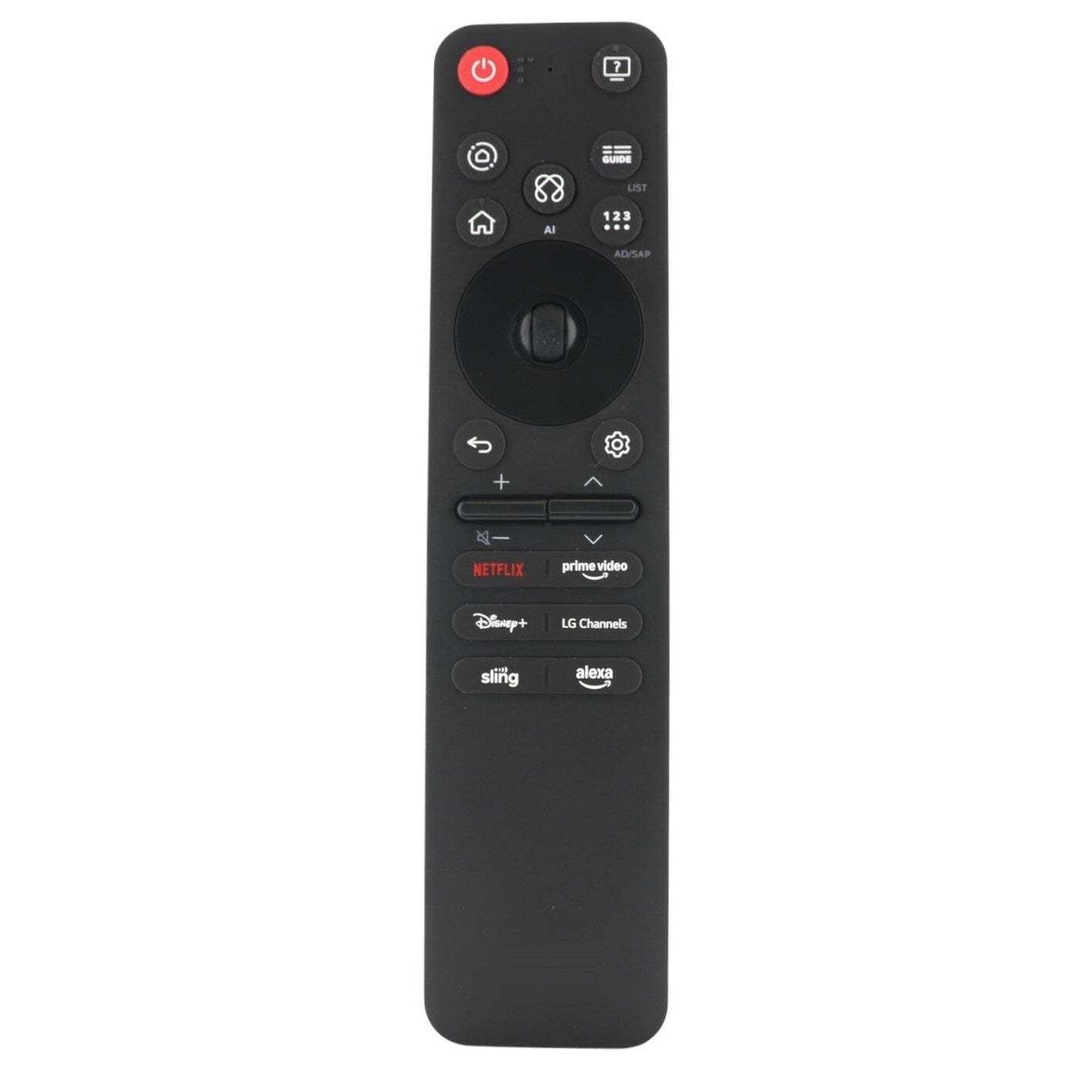
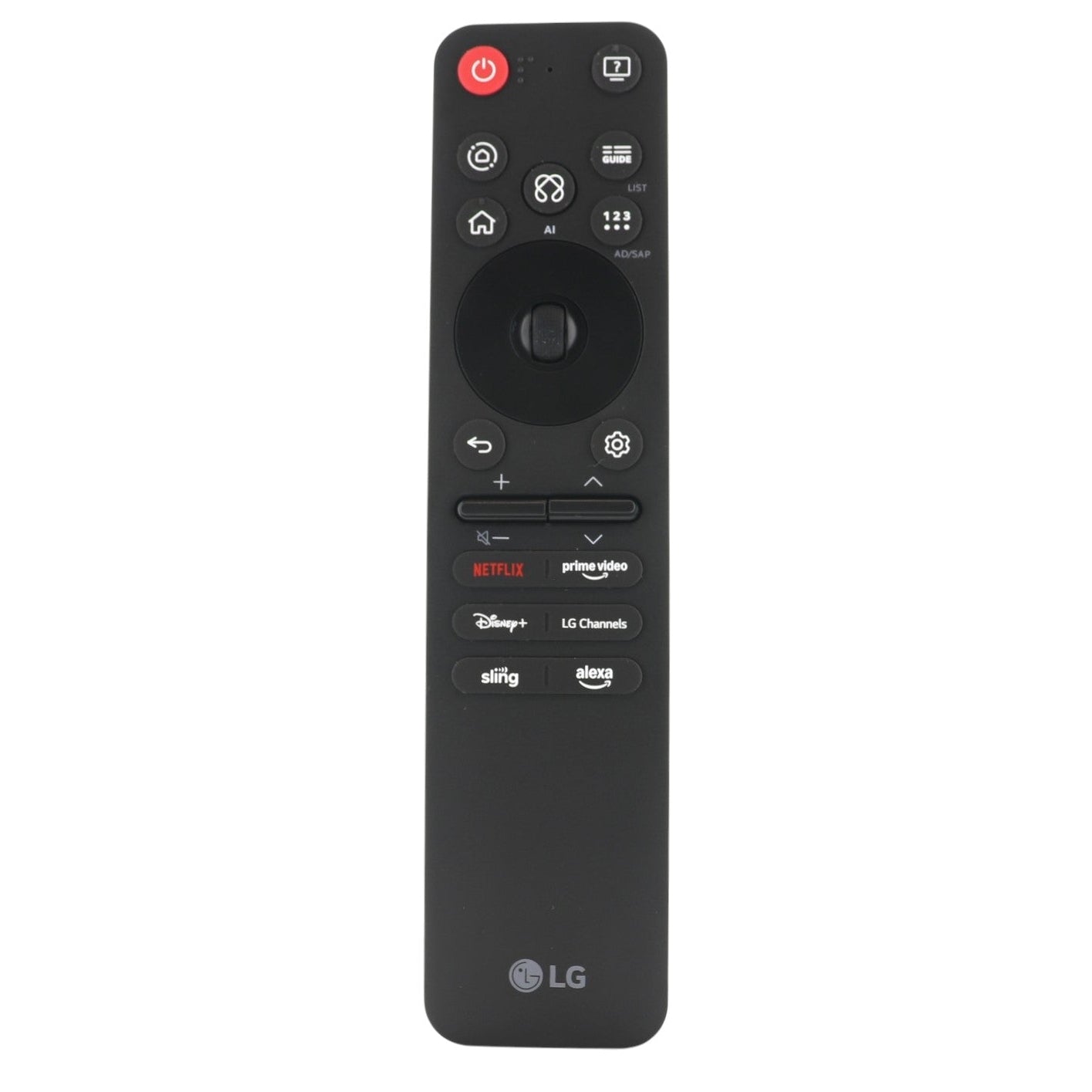
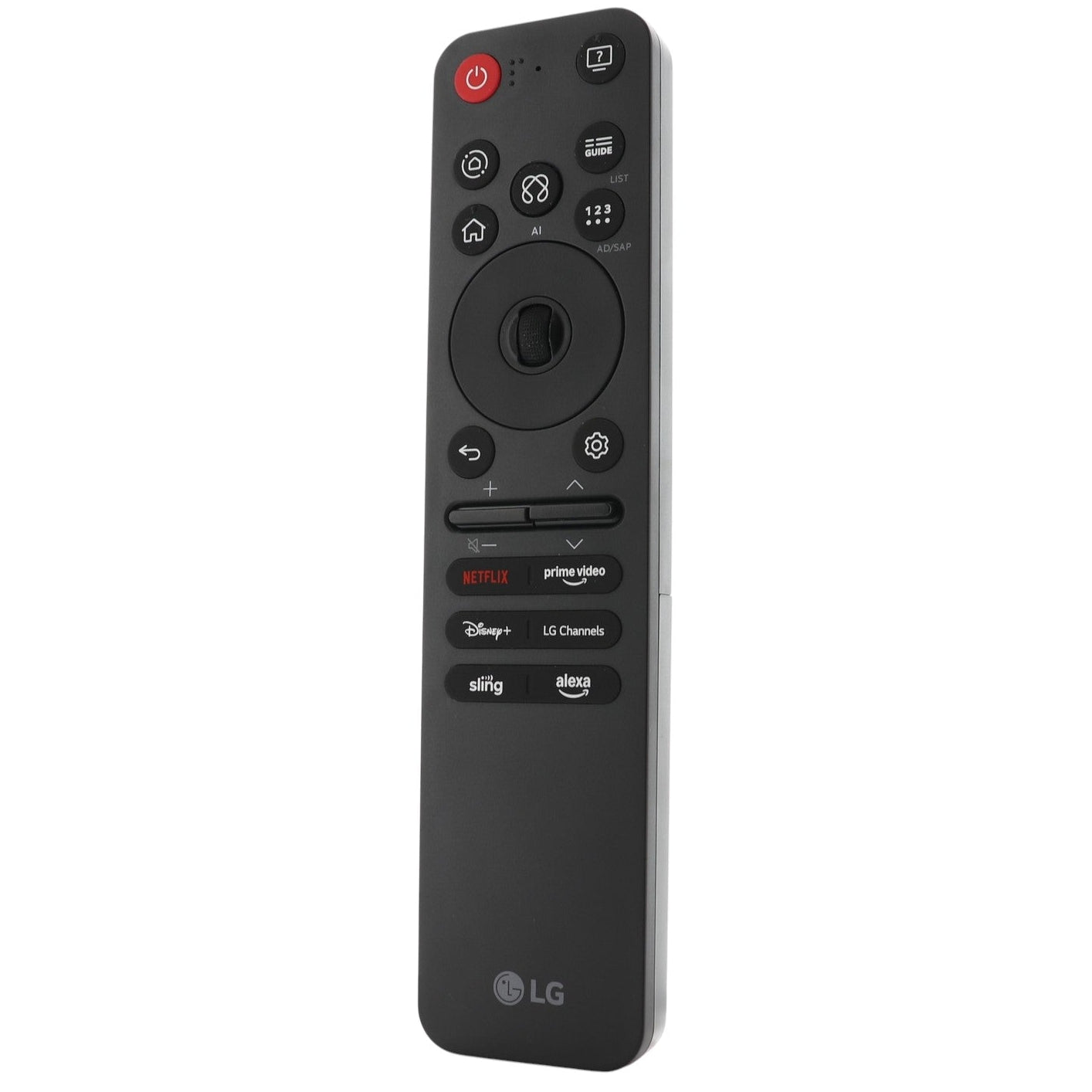
This is the LG MR25GA remote that came with LG TVs. It is a voice remote. It works with LG TVs such as 100QNED82AAA, 100QNED82AUA and 100QNED85AAA.
Specifications
- Radio frequency (RF)
- Batteries: 2 AAA (not included)
Good to Know
We may ship the newest model of this remote.
Setup / Pairing
- Insert the batteries, turn on the TV and wait about 20 seconds.
- Point the remote at the TV and press the Wheel (OK) button. The TV shows a message when the remote is registered.
- If it does not register, turn the TV off and on again and repeat. To unregister the remote, press and hold Home and Back together for 5 seconds.
What's in the Box
- 1 LG MR25GA remote
- Batteries not included
Compatible Models
- LG MR25GA
- Works with many LG TVs, including models starting with OLED65, 43QNED, 65QNED and 75QNED.
Before ordering, check the model or part number printed on your old remote (usually on the back or inside the battery compartment) and compare it to the full compatible models list.
Specifications
Features:
- The remote that came with LG TVs, including 100QNED82AAA, 100QNED82AUA and 100QNED85AAA.
- Insert 2 AAA batteries, turn on the TV and wait about 20 seconds, then point the remote at the TV and press the Wheel (OK) button. The TV shows a message when the remote is registered, and if it does not, turn the TV off and on and repeat.
- On-screen pointer (motion) and scroll wheel. Shortcut keys for Netflix, Disney+, Prime Video, Sling and LG Channels.
- RF (radio) operation, so no aiming is needed once paired and voice control (press and hold the voice button and speak). The title names 2025 models; check your model year before ordering.
- Takes 2 AAA batteries, not included. App keys may vary, and we may ship the newest model of this remote.
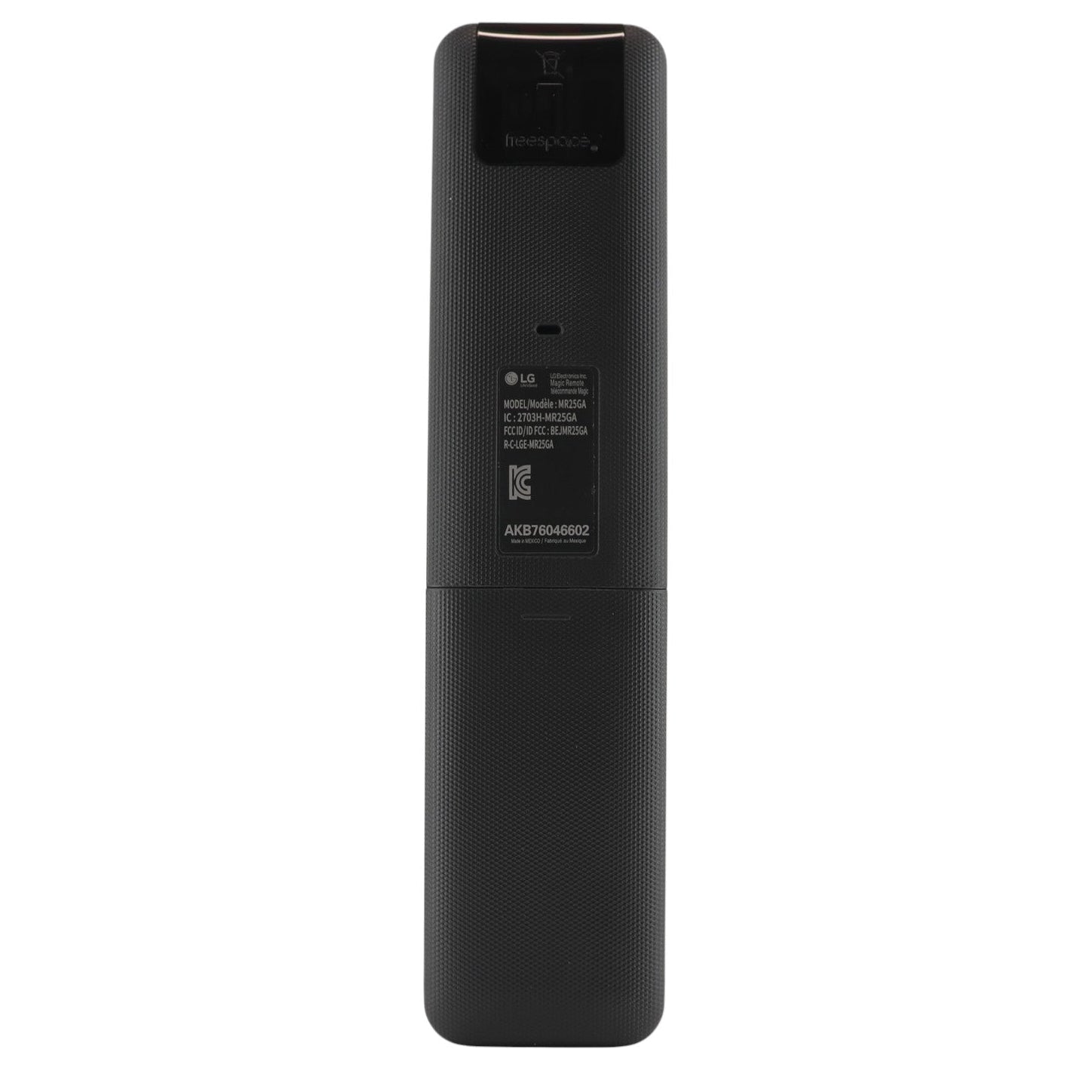
Part/Model Number: AKB76046602 / MR25GA
Power Information: 2 AAA Required, Not Included
FCC ID (if applicable): BEJMR25GA
Supplied with models (if applicable): 100QNED82AAA, 100QNED82AUA, 100QNED85AAA, 100QNED85AU, 100QNED92AUA, 100QNED9MAAUA, 100UA7500ZUA, 100UA7700AUA, 100UA7700PUA, 32LR600BZUC, 43QNED82AAA, 43QNED82AUA, 43QNED85AAA, 43QNED85AU, 43QNED85AUA, 43QNED91AAA, 43QNED91AUA, 43QNED92AUA, 43QNED9MAAUA, 43UA7500ZUA, 43UA7700AAUA, 43UA7700AUA, 43UA7700PUB, 43UA7700PUA, 48QNED82AAA, 48QNED82AUA, 48QNED85AAA, 48QNED85AU, 48QNED92AUA, 48QNED9MAAUA, 48UA7500ZUA, 48UA7700AUA, 48UA7700PUA, 50QNED82AAA, 50QNED82AUA, 50QNED85AAA, 50QNED85AU, 50QNED85AUA, 50QNED91AAA, 50QNED91AUA, 50QNED92AUA, 50QNED9MAAUA, 50UA7500ZUA, 50UA7700AAUA, 50UA7700AUA, 50UA7700PUB, 50UA7700PUA, 55QNED82AAA, 55QNED82AUA, 55QNED85AAA, 55QNED85AU, 55QNED85AUA, 55QNED91AAA, 55QNED91AUA, 55QNED92AUA, 55QNED9MAAUA, 55UA7500ZUA, 55UA7700AAUA, 55UA7700AUA, 55UA7700PUB, 55UA7700PUA, 65QNED82AAA, 65QNED82AUA, 65QNED85AAA, 65QNED85AU, 65QNED85AUA, 65QNED91AAA, 65QNED91AUA, 65QNED92AUA, 65QNED9MAAUA, 65UA7500ZUA, 65UA7700AAUA, 65UA7700AUA, 65UA7700PUB, 65UA7700PUA, 75QNED82AAA, 75QNED82AUA, 75QNED85AAA, 75QNED85AU, 75QNED85AUA, 75QNED91AAA, 75QNED91AUA, 75QNED92AUA, 75QNED9MAAUA, 75UA7500ZUA, 75UA7700AAUA, 75UA7700AUA, 75UA7700PUB, 75UA7700PUA, 77M5, 77M5PUA, 86QNED82AAA, 86QNED82AUA, 86QNED85AAA, 86QNED85AU, 86QNED85AUA, 86QNED91AAA, 86QNED91AUA, 86QNED92AUA, 86QNED9MAAUA, 86UA7500ZUA, 86UA7700AAUA, 86UA7700AUA, 86UA7700PUB, 86UA7700PUA, 97G2CUA, 97G5WUA, 97M5, OLED42C5PUA, OLED43B5AUA, OLED43B5PUA, OLED43C5AUA, OLED43C5PUA, OLED43M5PUA, OLED48A5AUA, OLED48B53LA.aeu, OLED48B56LA, OLED48B59LA.aeu, OLED48B5AUA, OLED48B5PUA, OLED48C5AUA, OLED48C5PUA, OLED50A5AUA, OLED50B5AUA, OLED50C5AUA, OLED50C5PUA, OLED50M5PUA, OLED55A5AUA, OLED55B53LA.aeu, OLED55B56LA, OLED55B59LA.aeu, OLED55B5AUA, OLED55B5PUA, OLED55C5AUA, OLED55C5PUA, OLED55G5PUA, OLED55G5WUA, OLED55M5PUA, OLED65A5AUA, OLED65B53LA.aeu, OLED65B56LA, OLED65B59LA.aeu, OLED65B5AUA, OLED65B5PUA, OLED65C5AUA, OLED65C5PUA, OLED65G5PUA, OLED65G5WUA, OLED65M5, OLED65M5PUA, OLED75A5AUA, OLED75B5AUA, OLED75C5AUA, OLED75C5PUA, OLED75M5PUA, OLED77B53LA.aeu, OLED77B56LA, OLED77B59LA.aeu, OLED77B5PUA, OLED77C5PUA, OLED77G5PUA, OLED77G5WUA, OLED77M5, OLED77M5PUA, OLED80B53LA.aeu, OLED80B56LA, OLED80B59LA.aeu, OLED83B53LA.aeu, OLED83B56LA, OLED83B59LA.aeu, OLED83B5PUA, OLED83C5PUA, OLED83G5PUA, OLED83G5WUA, OLED83M5, OLED86A5AUA, OLED86B5AUA, OLED86C5AUA, OLED86C5PUA, OLED86M5PUA, OLED97G2CUA, OLED97G5WUA, OLED97M5, 75QNED85AUA, 75QNED70AUC, 55QNED70AUA, 50QNED70AUA, 75QNED9MAUA, 65UA7700AUA, OLED83B5PUA, 100QNED85AU, OL1C77G5WUA, 75QNED82AUA, 65QNED85AAA, 65QNED82AUA, 55QNED82AUA, 55QNED85AUA, 65QNED85AUA, 55UA7700AUA, OLED48B5PUA, 75QNED85AAA, 65QNED9MAUA, 43QNED80AUA, 86QNED85AUA, OLED65B5PUA, OLED65B5AUA, 86QNED82AUA, 43UA7700AUA, 86QNED70AUA, 75QNED70AUC, 65QNED70AUA, 55QNED70AUA, 50QNED70AUA, 43QNED70AUA
Compatible Substitutes and Related Products
- 5 stars: 2 (50%)
- 4 stars: 1 (25%)
- 3 stars: 1 (25%)
- 2 stars: 0 (0%)
- 1 star: 0 (0%)
Middle button is weak.
Remote came in a timely fashion and immediately began working
arrived early 100% satisfied
The package was 2 days late and it doesn’t work as well as my out of the box remote.
How to I switch from LG channels to cable channels?
I'm not exactly sure how your system is set up, but you might need to try switching to a different source where your cable gets its power from.
how to replace batteries
Hi there! To get started, press down on the back cover of the remote and slide it downward to remove it. Then, insert two AAA batteries (not included), making sure they are aligned correctly with the polarity markings inside the compartment.
Where are mute and closed caption settings controls?
Hi, you press down the Volume button for MUTE. Regarding Closed Captions, I am not sure. Please refer to your TV's operating manual.