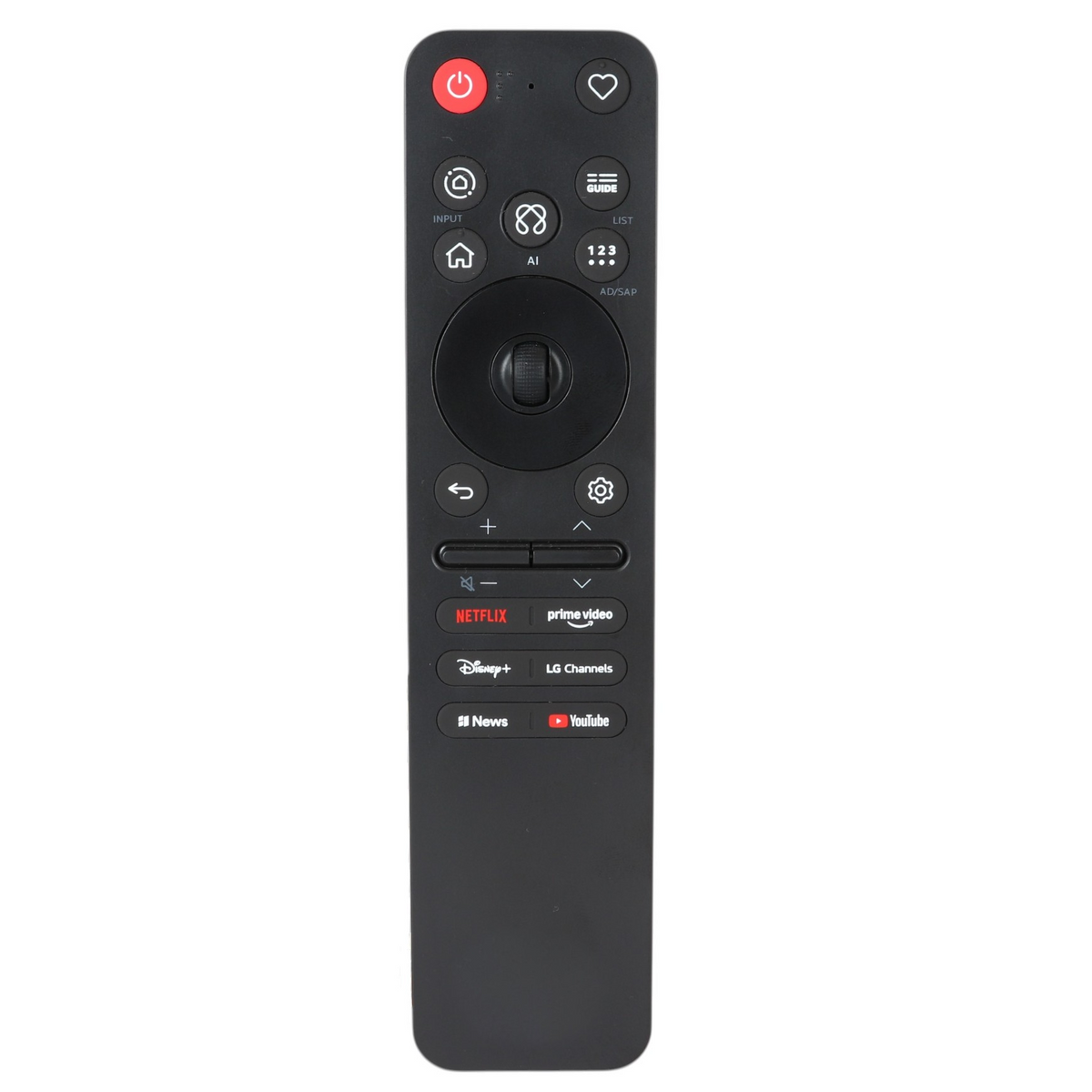
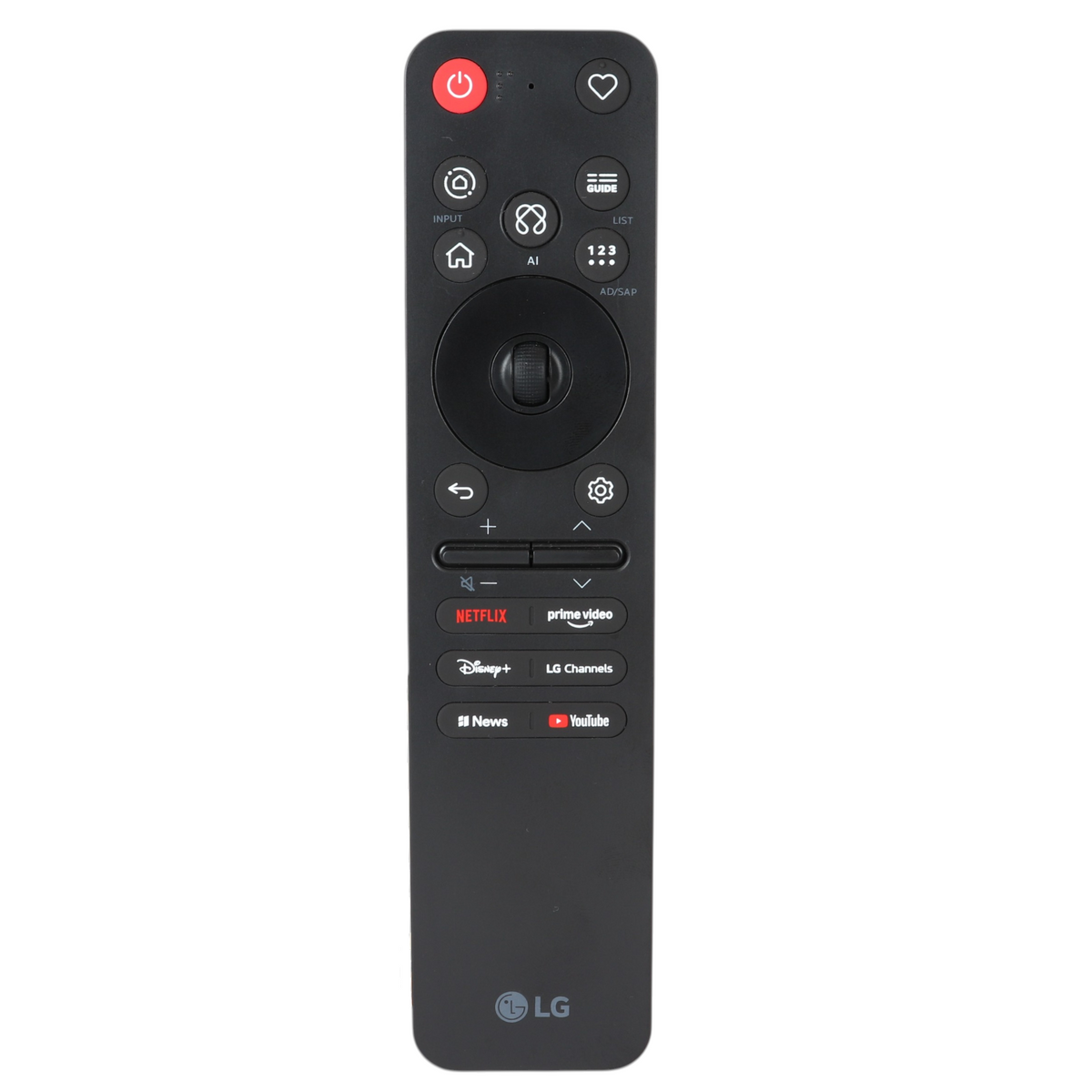
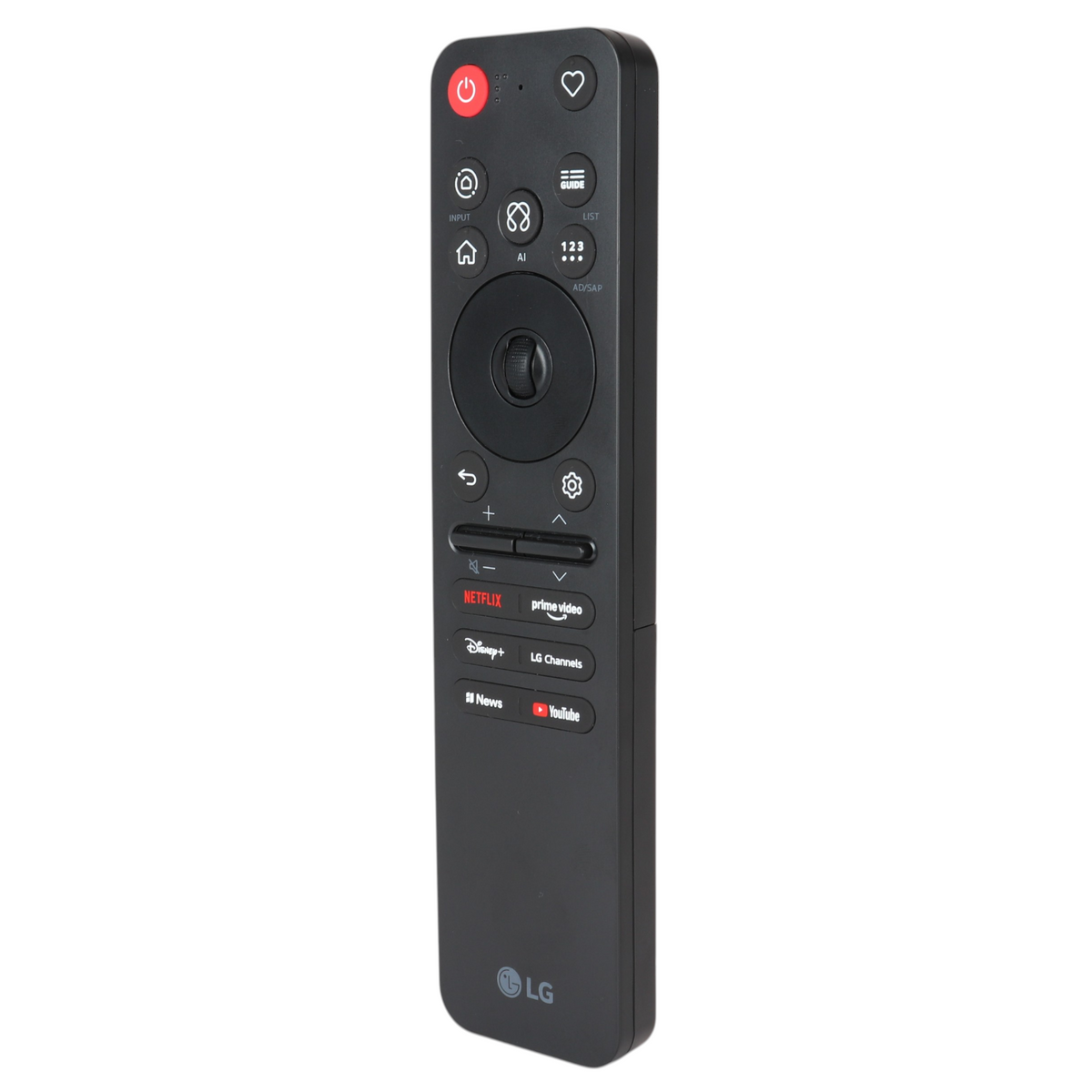
Features:
- The remote that came with LG TVs, including W6, G6 and C6.
- Insert 2 AAA batteries, turn on the TV and wait about 20 seconds, then point the remote at the TV and press the Wheel (OK) button. The TV shows a message when the remote is registered, and if it does not, turn the TV off and on and repeat.
- On-screen pointer (motion) and scroll wheel. RF (radio) operation, so it does not need to be aimed once paired.
- RF (radio) operation means no aiming once paired. Press and hold the voice button and speak for voice control.
- Takes 2 AAA batteries, not included.
Power Information: 2 AAA Required, Not Included
Supplied with models (if applicable): W6, G6, C6, B6, CS6, MRGB96, QNED86B, QNED80B, QNED70B, LB655B, LG OLED evo W6, OLED evo G6 (Gallery), QNED 115-inch Flagship, QNED evo Mini LED