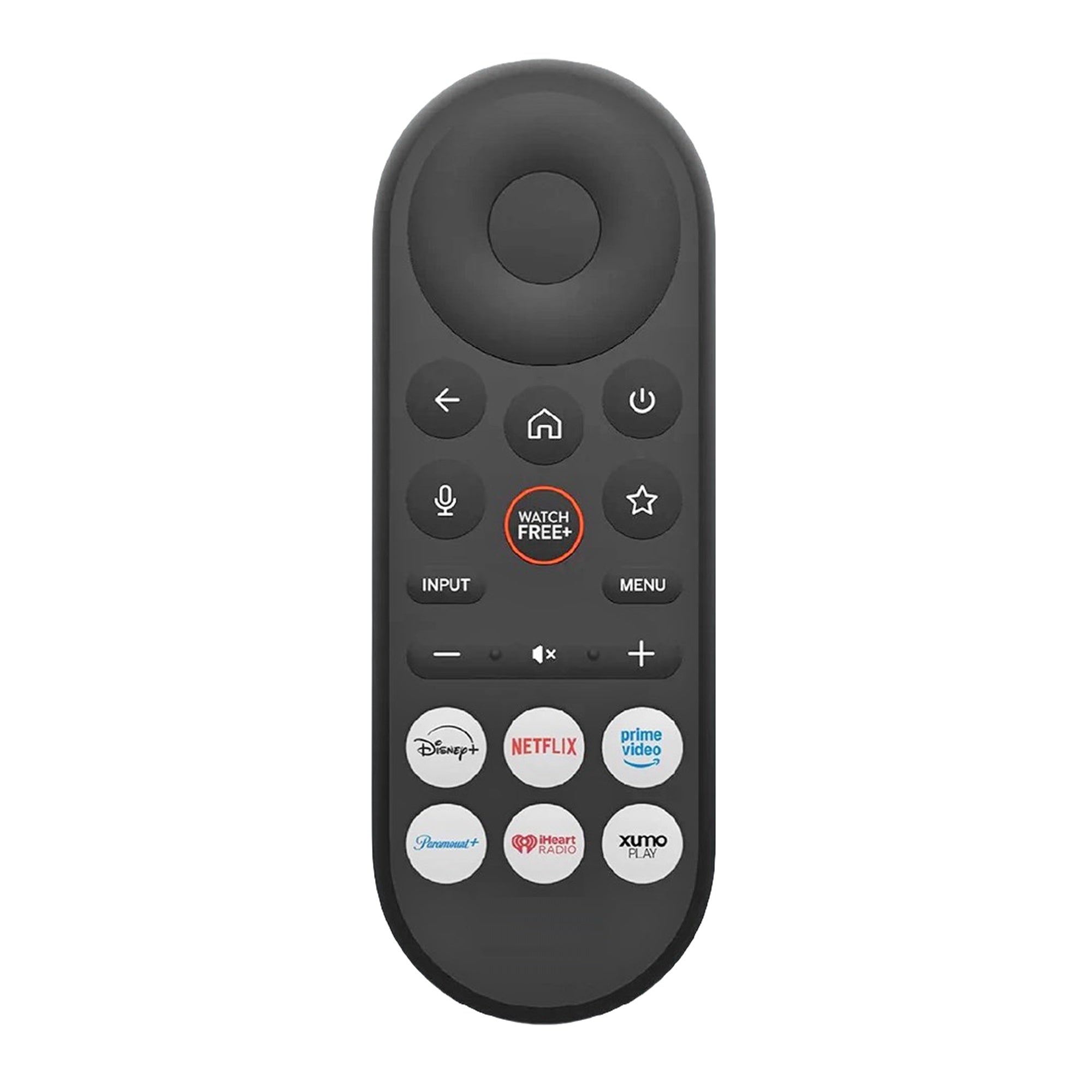
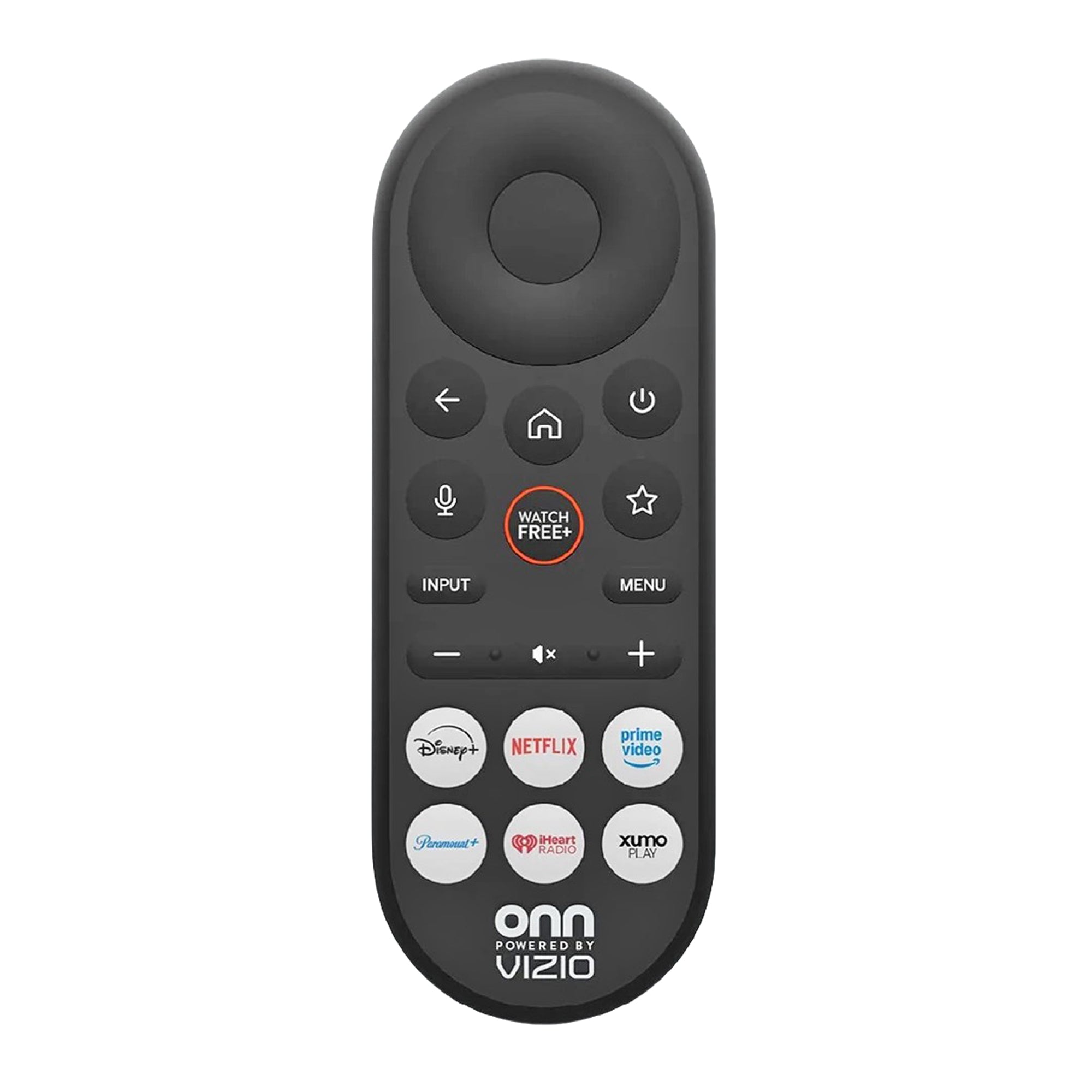
HOLD (pairing sequence only): The exact MIC+MUTE / Menu>System>Voice Remote pair, update and unpair sequence is held because it has not been verified for XRT290/WRT290. Keep voice RF/Bluetooth plus IR control, 2 AAA not included, and the exact listed TV models. Use the exact TV on-screen remote pairing prompts or the TV manual; do not invent a reset or substitute chord.
This is the XRT290 voice remote for ONN powered by Vizio SmartCast TVs. It uses RF (Bluetooth) for voice and IR for standard TV controls.
Specifications
- Radio frequency (RF)
- Batteries: 2 AAA (not included)
Good to Know
- For Vizio SmartCast TVs only; it does not control sound bars, streaming sticks or other devices.
- Bluetooth pairing is needed for voice.
- The remote you receive can look different from the photo but works the same.
Setup / Pairing
Pairing the VIZIO Voice Remote
- During first-time TV setup, the remote should pair automatically by Bluetooth.
- Press and hold MIC and MUTE together for 5 seconds to start pairing.
Using and managing the remote
- To speak a command, press and hold MIC.
What's in the Box
- 1 ONN Power by Vizio XRT290 Smartcast TV remote
- Batteries not included
Compatible Models
- Supplied with: VQM55C-1004 - 55 in. Mini LED Quantum 4K Smart TV, VQM65C-1004 - 65 in. Mini LED Quantum 4K Smart TV, VQM75C-1004 - 75 in. Mini LED Quantum 4K Smart TV, VQD100M-0804 - 100 in. Quantum 4K Smart TV
Before ordering, check the model or part number printed on your old remote (usually on the back or inside the battery compartment) and compare it to this list.